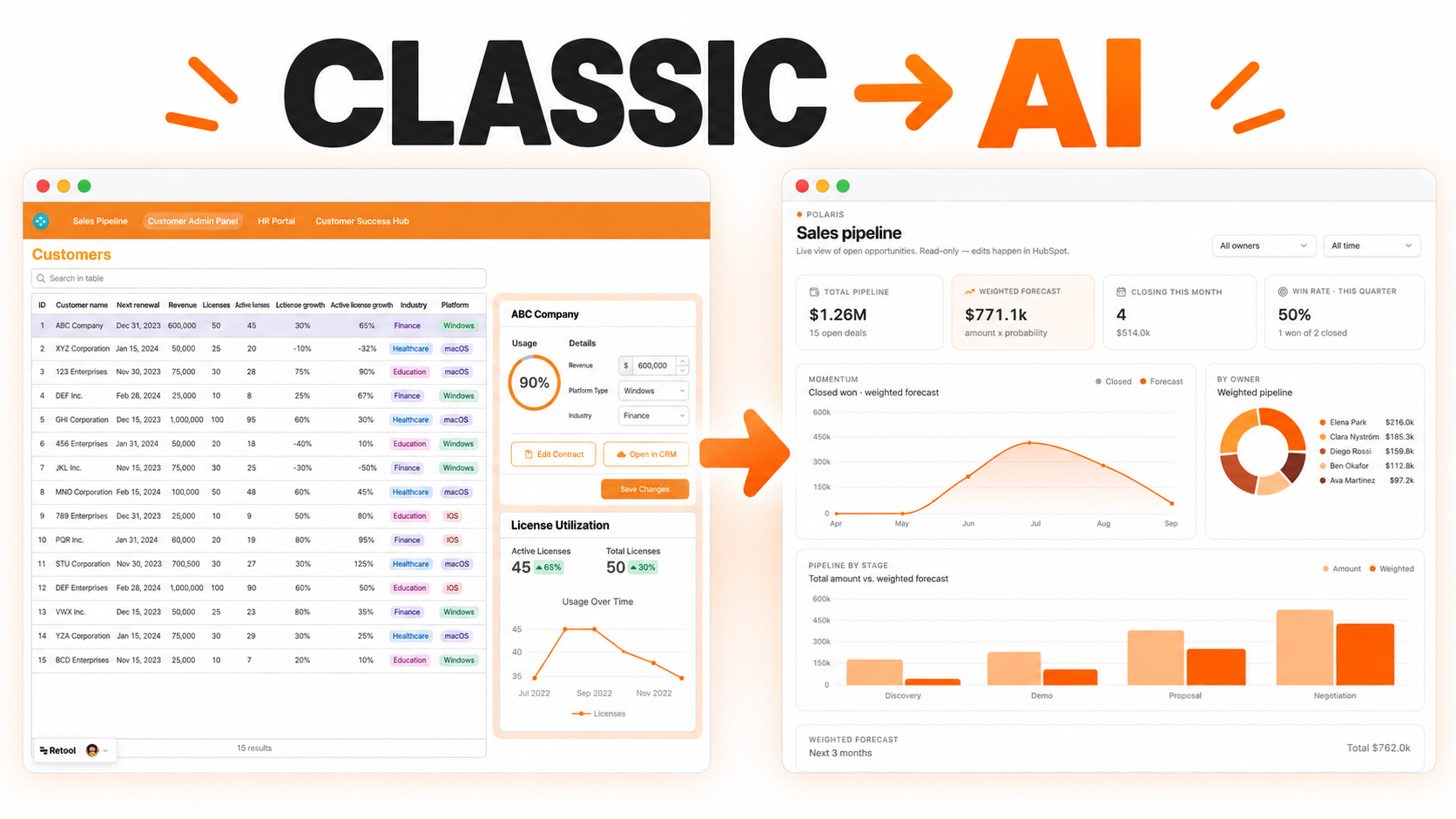
An AI-powered dashboard that automatically analyzes, tags, and visualizes customer feedback from all your channels.


Call center and support teams often manage customer calls through a mix of phone systems, spreadsheets, CRM notes, and manual routing rules. When an IVR menu is hard to update or disconnected from the support workflow, customers wait longer, agents receive poorly routed calls, and managers have limited visibility into where demand is building.
A no-code IVR and call center management tool gives operations teams a practical control layer for routing, queue visibility, agent assignment, and follow-up. It can support support teams, sales desks, appointment centers, service providers, and internal help desks. It does not replace the telephony provider or CRM, but it can connect the operational data needed to manage the workflow more clearly.
The workflow starts when a caller enters an IVR menu, selects an option, or is identified through caller data. The system can route the call by department, language, priority, customer segment, open ticket, or agent availability. Each call record can include caller number, queue, selected menu path, wait time, assigned agent, call status, outcome, and follow-up requirement.
Managers can monitor active queues, missed calls, callbacks, escalations, and service levels from one dashboard. Agents can see call context before responding, reducing the time spent asking customers to repeat information.
A useful IVR management interface should make routing rules visible and editable by authorized users. Teams can define business-hours routing, overflow queues, priority customer rules, language routing, and fallback options for unanswered calls.
Queue views can show how many calls are waiting, which agents are available, and which calls need callbacks. Assignment rules can route calls to the best available team while still allowing supervisors to override or reassign when needed.
Call center work does not end when the call disconnects. Agents may need to log outcomes, create tickets, schedule callbacks, update CRM records, or escalate issues. The dashboard can provide a controlled form for recording the result of each call and triggering the next action.
Follow-up tasks can be assigned to agents or teams with due dates and statuses. Managers can review missed calls, unresolved callbacks, and repeat callers to understand operational gaps.
Automated alerts can notify supervisors when queue wait time exceeds a threshold, callback volume rises, high-priority customers are waiting, or a routing rule creates repeated failures. Reports can show call volume by hour, queue performance, agent workload, missed-call rate, and common call outcomes.
Automation should help with routing and follow-up without removing human oversight. Supervisors should still control escalations, sensitive customer cases, and routing changes that affect service quality.
Retool can connect to phone system APIs, CRM tools, ticketing platforms, internal databases, and notification services when access is available. Tables, charts, forms, modals, and workflows can support queue monitoring, routing-rule updates, callback tracking, and operational reporting.
Role-based permissions can separate agents, supervisors, administrators, and read-only leadership users so routing rules and customer data are protected.
It is an internal interface that lets teams manage call routing, queues, callbacks, agent status, and call outcomes without editing code directly.
Yes, Retool can connect to supported telephony APIs and databases, subject to the provider's access and permissions.
Yes. Authorized users can update routing rules, business hours, overflow logic, and queue assignments through controlled forms.
Yes. Agents can record dispositions, notes, ticket links, callback needs, and escalation reasons from the dashboard.
Yes. Alerts can notify supervisors when wait times, missed calls, or callback queues exceed configured thresholds.
Yes. Menus, queues, routing rules, integrations, permissions, and reporting views can be adapted to the call center process.
For customer insight workflows, explore the AI customer feedback analysis tool, or request a custom Retool build.
We're officially approved by Retool and proud to be an agency partner!

Visit our blog to learn more about our innovative approaches to solving complex challenges.