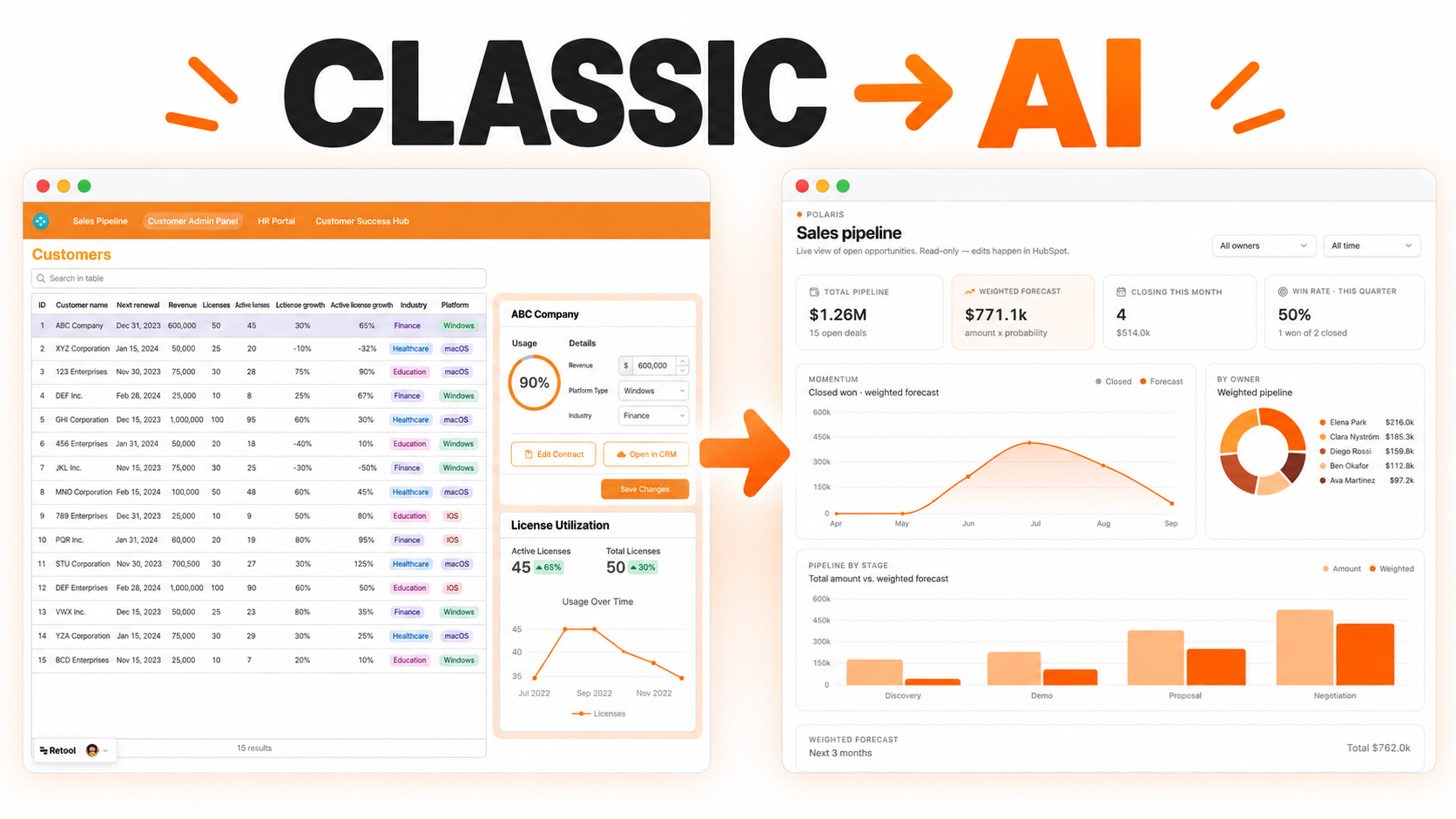
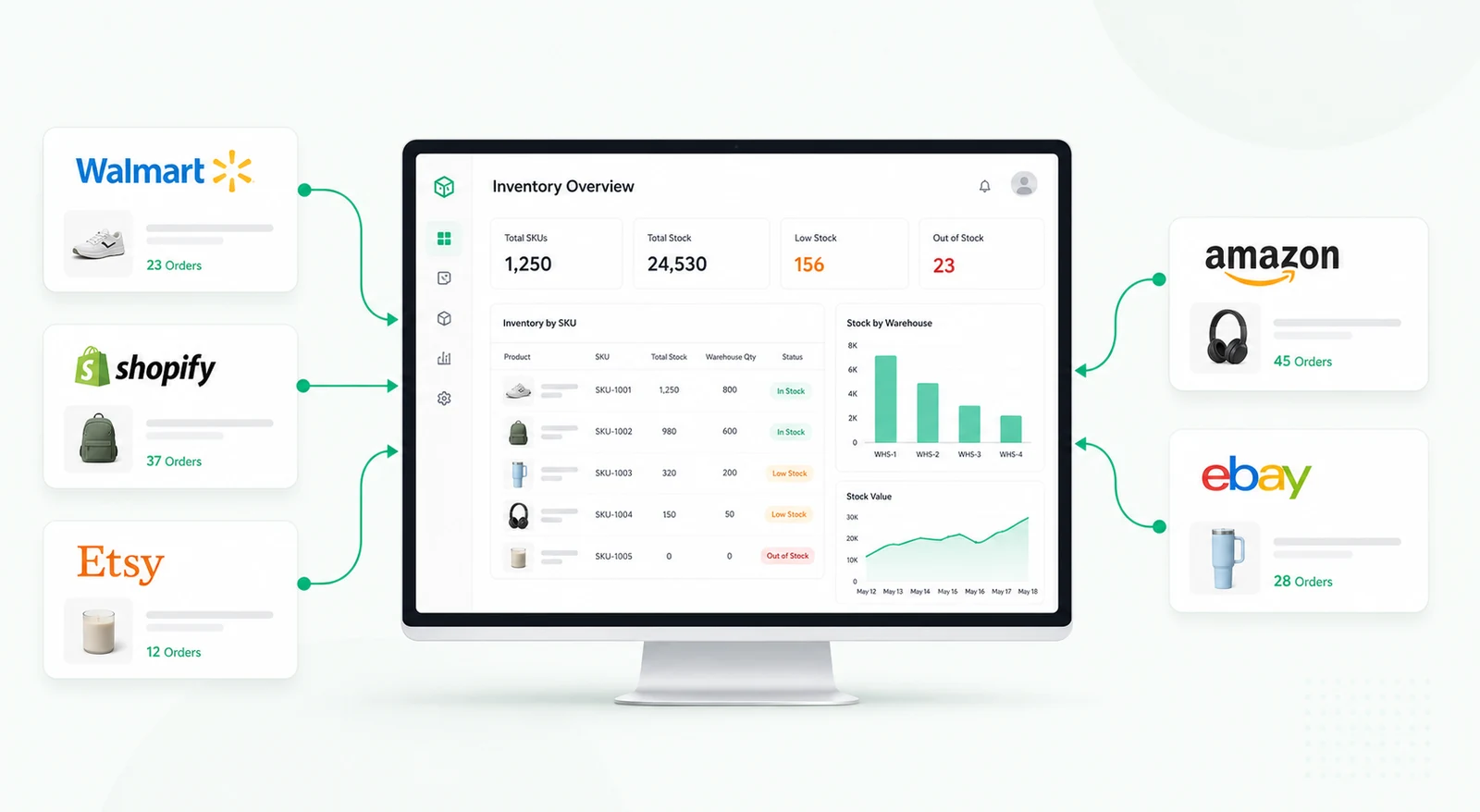
An AI-powered dashboard that automatically analyzes, tags, and visualizes customer feedback from all your channels.


Customer feedback often arrives from many channels: support tickets, surveys, app reviews, NPS forms, sales notes, chat transcripts, social comments, and product feedback boards. Teams may read individual comments, but it is hard to understand patterns across thousands of messages without a structured analysis workflow.
An AI customer feedback analysis tool helps support, product, customer success, and leadership teams organize feedback into themes, sentiment, urgency, product area, and follow-up actions. It can turn unstructured comments into a reviewable workflow while keeping humans responsible for decisions and customer communication.
The system collects feedback records with fields such as source, customer, account, date, channel, message, product area, sentiment, topic, priority, and status. AI can suggest labels, summarize long comments, group similar issues, and highlight urgent or repeated themes.
Users can review AI suggestions, correct labels, merge themes, assign owners, and mark records for follow-up. This makes the tool useful for both daily triage and longer-term product planning.
Feedback analysis should go beyond positive or negative sentiment. Teams need to know what customers are talking about, which product areas are affected, how severe the issue is, and whether the same topic is appearing across multiple accounts.
The dashboard can group feedback into themes such as pricing confusion, onboarding friction, performance issues, missing integrations, support responsiveness, feature requests, or billing concerns. Users can then validate or adjust the AI labels before reporting them.
Some feedback is informational, while other comments require immediate action. The workflow can flag urgent issues, high-value accounts, repeated complaints, or feedback tied to churn risk. Teams can assign follow-up tasks to support, customer success, product, or operations.
Each feedback item can move through statuses such as new, reviewed, assigned, follow-up needed, resolved, added to roadmap, or archived. This prevents important customer signals from disappearing after a report is generated.
Automated alerts can notify teams when negative feedback spikes, a high-priority account submits a complaint, a theme crosses a volume threshold, or unresolved feedback remains open too long. Dashboards can summarize sentiment trends, top themes, affected products, and follow-up status.
AI output should remain reviewable. The tool can suggest labels and summaries, but teams should be able to correct them and track the final human-approved interpretation.
Retool can connect to survey tools, support platforms, CRMs, databases, spreadsheets, and AI APIs when access is available. Tables, filters, charts, modals, and workflows can support review, correction, assignment, and reporting.
Permissions can restrict sensitive account data and control who can edit labels, assign actions, or export reports.
It is an internal tool that uses AI to help classify, summarize, prioritize, and route customer feedback from different sources.
Yes. Retool can connect to multiple sources when APIs, databases, or exports are available.
Yes. Human review can be built into the workflow so labels, sentiment, and themes can be edited before reporting.
Yes. Records can be assigned to support, success, product, operations, or leadership depending on topic and severity.
Yes. Alerts can fire when sentiment drops, urgent topics appear, or high-value accounts submit negative feedback.
Yes. Sources, labels, AI prompts, review steps, ownership rules, dashboards, and integrations can be adapted.
For related analysis, explore the AI sentiment analyzer for ad feedback, or request a custom Retool build.
We're officially approved by Retool and proud to be an agency partner!

Visit our blog to learn more about our innovative approaches to solving complex challenges.