An intuitive tool for e-commerce teams to upload, manage, and reorder product images with a drag-and-drop interface.


Product images are one of the most operationally painful parts of ecommerce catalog management. Teams may receive files from suppliers, agencies, photographers, marketplaces, or internal designers. Those images then need to be reviewed, ordered, renamed, approved, and attached to the correct product records. When this process happens in folders and spreadsheets, product launches slow down and incorrect images can reach live listings.
A drag-and-drop image management workflow gives ecommerce and merchandising teams a focused workspace for organizing product visuals. It helps users connect images to SKUs, reorder gallery positions, identify missing assets, and prepare approved images for publishing.
Each product or SKU can have a related image set with fields such as product name, SKU, category, channel, image type, approval status, alt text, order position, and last updated date. Users can upload or select images, drag them into the correct order, mark a primary image, and flag missing or low-quality assets.
The dashboard can show products with incomplete image sets, rejected images, unapproved hero images, or channel-specific requirements. This helps merchandising teams prioritize the records that are blocking launches or marketplace updates.
Images often require review before publishing. A reviewer may need to check crop, background, resolution, product accuracy, branding rules, or marketplace requirements. The workflow can support statuses such as uploaded, needs review, approved, rejected, needs retouching, or ready to publish.
Reviewers can leave comments, request changes, and compare multiple versions. Designers or merchandisers can then update the asset and resubmit it without losing the decision history.
Product pages often need a specific image sequence: hero image, alternate angles, lifestyle shot, size guide, packaging, or variant-specific visuals. A drag-and-drop interface makes this ordering clearer than editing position numbers in a spreadsheet.
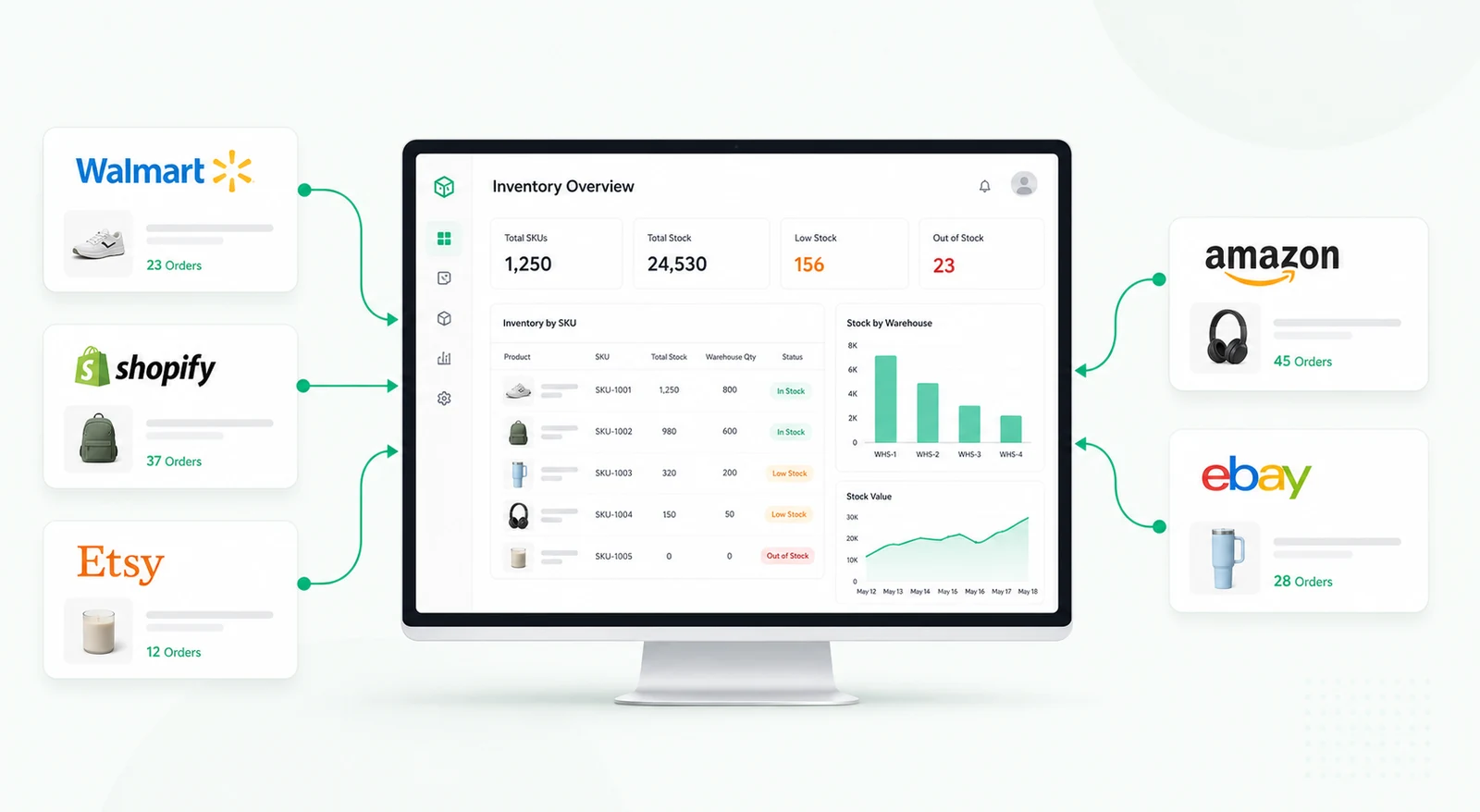
Different channels may require different image sets. Shopify, Shopee, Amazon, internal catalogs, and wholesale portals may each have image size or order requirements. The dashboard can track where each image is ready and where it still needs attention.
Automated alerts can notify teams when products are missing primary images, assets are waiting for review, or a launch date is approaching with incomplete visuals. The workflow can also create tasks for retouching, approval, or channel upload.
Automation should support the process, not publish risky assets without review. Teams can configure final publishing to require approval from authorized users.
Retool can connect to product databases, storage tools, ecommerce platforms, DAM systems, and spreadsheets when access is available. Image components, file upload, tables, forms, modals, and custom logic can support previewing, ordering, validation, and publishing workflows.
Role-based access can define who can upload, approve, reorder, reject, or push images to a live product channel.
It is a workflow that lets users upload, review, reorder, and assign product images visually instead of managing everything through folders or spreadsheets.
Yes. Images can be associated with product records, SKUs, variants, categories, and channels.
Yes. Statuses and approval steps can be configured before assets are sent to live ecommerce channels.
Yes. Channel-specific requirements can be tracked for platforms such as Shopify, Shopee, or other marketplaces with available APIs.
Yes. Drag-and-drop ordering can update image positions in a database or connected product system.
Yes. Fields, approval logic, image types, storage integrations, and publishing rules can be adapted to the ecommerce process.
For related product operations, explore the Shopify and Shopee product dashboard, or request a custom Retool build.
We're officially approved by Retool and proud to be an agency partner!

Visit our blog to learn more about our innovative approaches to solving complex challenges.