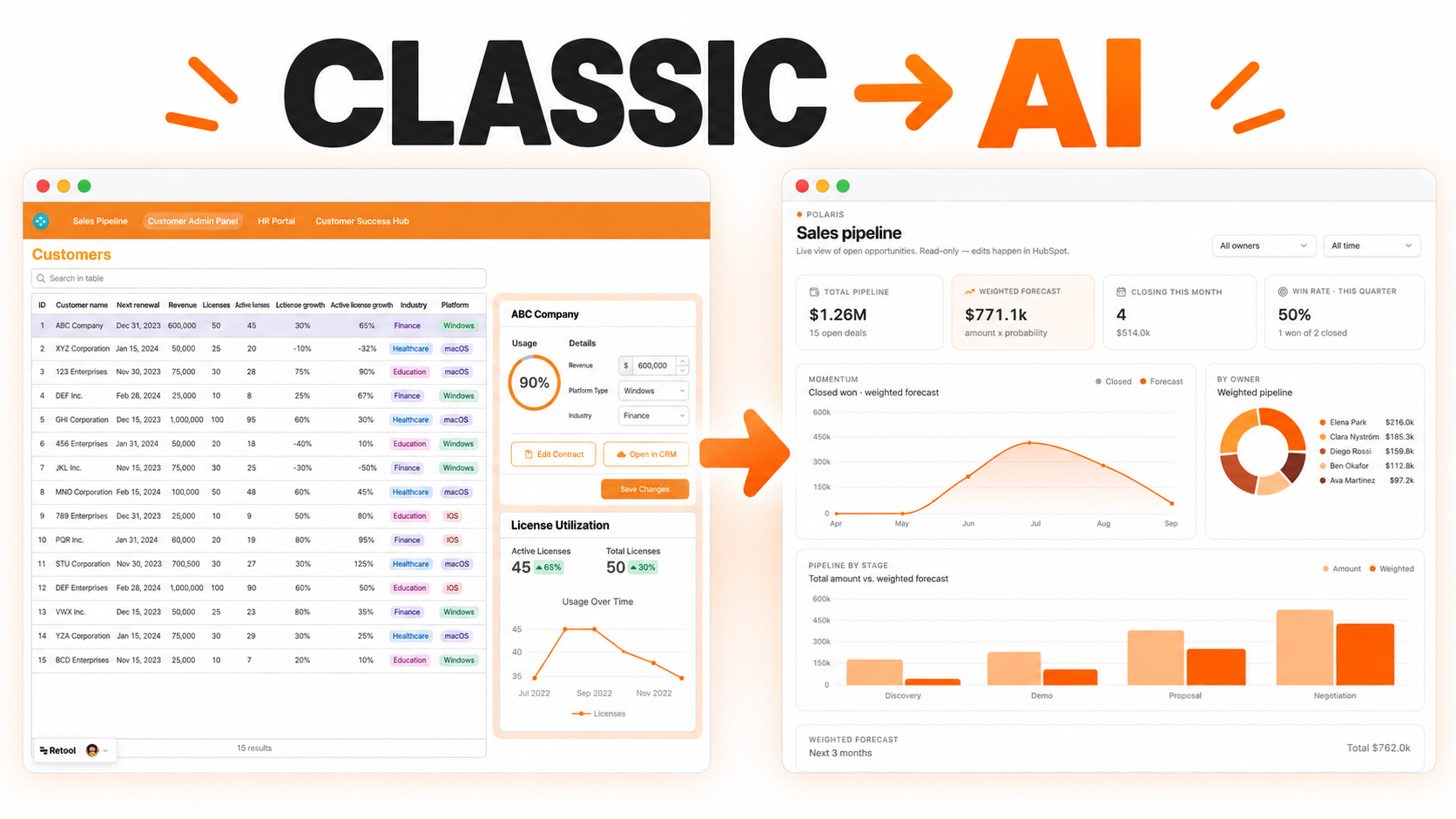
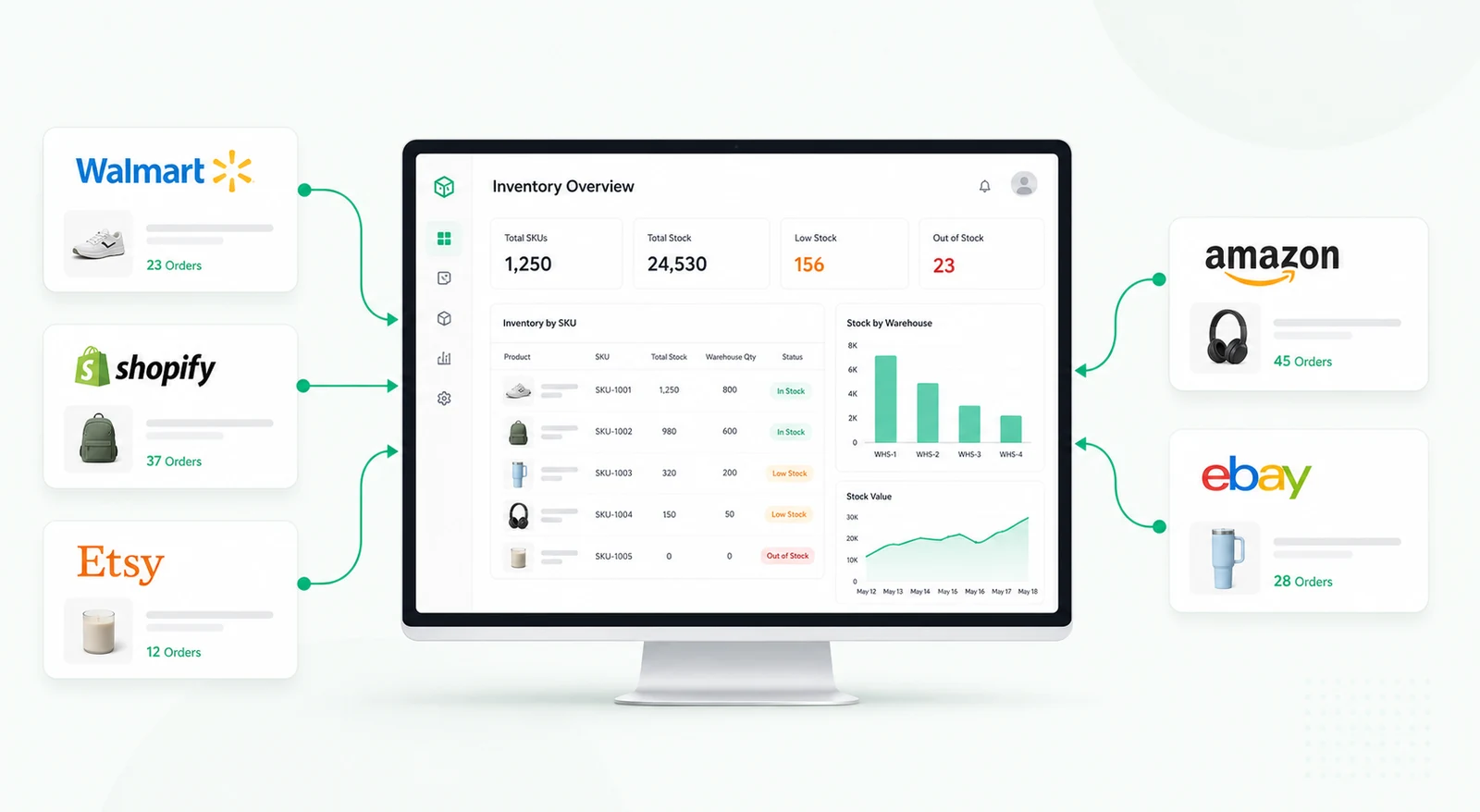
An AI-powered editor built into your internal tool. Marketing, support, and ops teams can quickly write or improve content using OpenAI — without leaving their workflow.


Internal teams write more operational content than they realize: help center drafts, customer replies, policy updates, product notes, sales snippets, onboarding messages, incident summaries, and knowledge-base entries. Without a shared editing workflow, people copy text into external tools, lose context, and produce inconsistent tone or incomplete information.
An AI content editor inside an internal tool gives teams a controlled workspace for drafting, rewriting, summarizing, translating, and reviewing content. It can help support, marketing, operations, HR, product, and enablement teams move faster while keeping human review in the loop.
A user starts with a draft, source text, ticket note, policy excerpt, or knowledge-base article. The editor can capture the content type, target audience, tone, language, owner, status, and review state. Users can request actions such as rewrite, shorten, expand, summarize, translate, change tone, create bullets, or prepare an approval-ready version.
The output should remain editable. Users can compare the original and AI-suggested versions, accept or reject changes, and save the final version to the connected system only after review.
A useful AI editor should not be a blank prompt box only. Teams need controlled inputs for tone, audience, channel, length, and required context. This helps reduce inconsistent prompts and makes the output easier to review.
Reviewers can check whether the content is accurate, appropriate, complete, and aligned with internal guidelines. Sensitive topics, regulated content, or external-facing copy may require additional approval before publishing.
Content workflows often involve multiple rounds. The tool can store original text, AI output, edited text, reviewer comments, approval status, and timestamps. This makes it easier to understand why a final version changed and who approved it.
Teams can also label content by campaign, product area, customer segment, department, or knowledge-base category to support better organization.
Automation can help prepare drafts from ticket notes, summarize long updates, translate standard replies, or generate internal summaries. Guardrails can require human review, block publishing to certain channels, or restrict specific actions to approved roles.
The AI tool should support the content process; it should not replace subject-matter review when accuracy matters.
Retool can connect to AI providers, content databases, ticketing systems, knowledge bases, CRMs, and internal APIs when access is available. Text areas, rich text editors, forms, dropdowns, tables, and modals can support a complete editorial workflow.
Permissions can separate draft creation, AI generation, editing, approval, and publishing actions.
It is an internal tool that helps users draft, rewrite, summarize, translate, and review content with AI assistance.
Yes. AI output should remain editable and reviewable before it is saved or published.
Yes. Tone, audience, content type, length, and required context can be captured through structured fields.
Yes. Review and approval workflows can be added before content is sent to an external system or published.
Yes, subject to available APIs and permissions. It can connect to knowledge bases, ticketing systems, CRMs, databases, or internal tools.
Yes. Content types, prompt templates, review steps, integrations, permissions, and publishing actions can be adapted.
For a related AI workflow, explore the AI document parser and autofill tool, or request a custom Retool build.
We're officially approved by Retool and proud to be an agency partner!

Visit our blog to learn more about our innovative approaches to solving complex challenges.