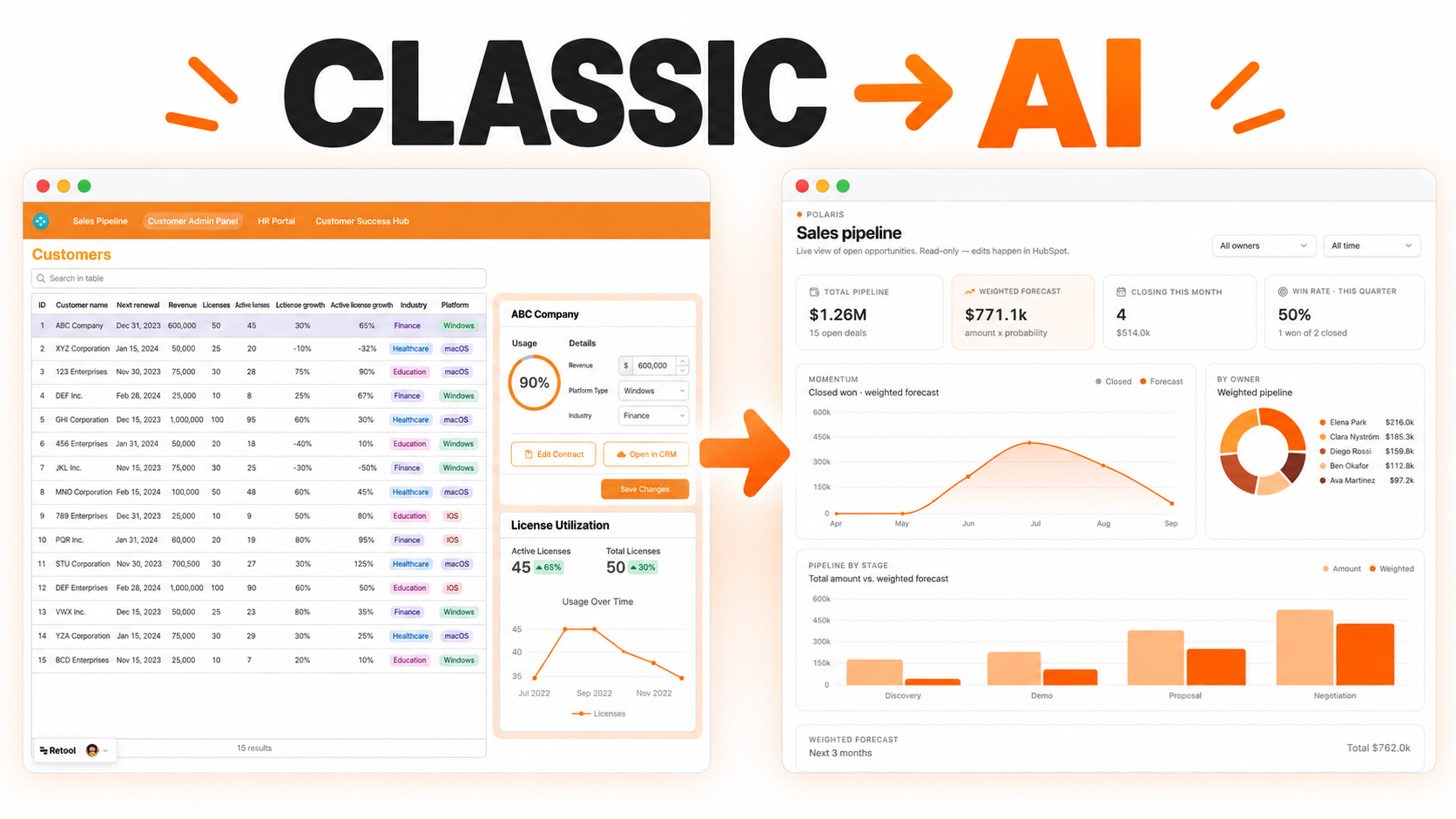
Upload invoices, contracts, or scanned forms and let AI extract and fill in the data instantly. No more manual copy-paste. Built with OpenAI or Gemini inside Retool.


Many operations teams still copy information from PDFs, forms, invoices, contracts, applications, and scanned documents into internal systems by hand. This slows down processing and creates avoidable errors, especially when documents arrive in inconsistent formats.
An AI document parser and autofill tool helps teams extract key fields, review the result, and populate internal forms or records faster. It can support finance, operations, onboarding, procurement, healthcare administration, legal ops, and back-office workflows.
A user uploads a document or selects an existing file. The tool sends the file or text to an approved extraction process and returns structured fields such as vendor name, invoice number, date, total, customer name, contract term, address, line items, or document type.
The extracted data should be shown in editable fields so users can review and correct it before saving. This review step is important because AI and OCR outputs can be incomplete or wrong when documents are low quality or unusually formatted.
Autofill becomes useful when extracted data maps to the exact fields needed by the business system. A document parser can maintain templates or mapping rules for different document types such as invoices, intake forms, purchase orders, or contracts.
Validation rules can check required fields, date formats, totals, duplicate invoice numbers, missing line items, or inconsistent values. Records that fail validation can be sent to a review queue instead of being saved automatically.
Some documents will always need human judgment. The dashboard can highlight low-confidence fields, missing values, duplicate records, and unusual amounts. Reviewers can correct the fields, add comments, approve the extraction, or reject the document.
Exception handling makes the tool safer. Instead of pretending every document is perfect, it gives teams a clear place to resolve edge cases.
After review, the tool can create a record, update a database, prepare a payment entry, populate an onboarding form, or push clean data into a connected system. Teams can also trigger alerts when documents are waiting too long or when critical fields are missing.
Automation should be configured based on the risk of the workflow. High-value financial, legal, or regulated records may require approval before downstream updates happen.
Retool can connect to file storage, OCR or AI services, databases, spreadsheets, ERPs, CRMs, and internal APIs when access is available. File upload, editable forms, tables, modals, transformers, and workflows can support extraction, review, validation, and submission.
Permissions can control who can upload files, approve extracted data, edit mappings, and submit records.
It is a tool that uses OCR, AI, or structured extraction to pull useful fields from documents and present them for review.
Yes. Extracted fields should be editable before saving or sending to another system.
Yes. Templates and field mappings can support invoices, applications, contracts, purchase orders, and other document types.
Yes, when the destination system provides API, database, or approved integration access.
Yes. Higher-risk workflows can require human approval before updates are submitted.
Yes. Document types, fields, validation rules, integrations, permissions, and review steps can be adapted.
For a related internal review workflow, explore the audit checklist and document tracker, or request a custom Retool build.
We're officially approved by Retool and proud to be an agency partner!

Visit our blog to learn more about our innovative approaches to solving complex challenges.