Use Cases

SaaS Customer Onboarding Dashboard

A dashboard for SaaS teams to monitor new customer onboarding, identify product bottlenecks, and drill down into individual user progress.

Integrations

Overview

Why SaaS Teams Need a Customer Onboarding Dashboard

SaaS onboarding involves sales handoff, implementation tasks, integrations, training, support issues, and customer milestones. When those steps are scattered across CRM notes, spreadsheets, project tools, and support tickets, teams miss risks until the customer is already delayed.

Retoolers builds customer onboarding dashboards in Retool that give customer success, implementation, and operations teams one place to manage account progress. The dashboard can track milestones, blockers, owners, usage signals, and next actions.

What the Dashboard Should Include

  • Customer onboarding stage, launch date, owner, plan, and health status.
  • Milestone checklists for kickoff, data setup, integrations, training, QA, and go-live.
  • Blocker queues for missing inputs, technical issues, overdue tasks, and escalation.
  • Usage and activation metrics tied to onboarding progress.
  • Customer notes, handoff details, links, and supporting documents.

Recommended Workflow

  1. Pull customer data from CRM, billing, product analytics, and support tools.
  2. Create a standard milestone path while allowing exceptions for enterprise accounts.
  3. Assign owners and due dates for each onboarding task.
  4. Flag accounts at risk when deadlines slip or activation stalls.
  5. Review launch readiness and handoff notes before go-live.

For admin and team setup workflows, this connects naturally to the Add User Modal for SaaS Dashboards.

Frequently Asked Questions

Can this integrate with a CRM?

Yes. Retool can connect to Salesforce, HubSpot, databases, APIs, and internal customer systems.

Can each account have a custom checklist?

Yes. Checklist templates can vary by plan, segment, product, integration type, or customer tier.

Can this show risk signals?

Yes. The dashboard can flag overdue tasks, low activation, unresolved tickets, and missing onboarding inputs.

To build a SaaS onboarding dashboard, request a Retoolers estimate.

Retool Features Used

  • Retool Tables for customer onboarding queues, milestone tracking, blockers, and launch readiness.
  • Forms and modals for notes, task updates, owner changes, and handoff details.
  • API and database integrations for CRM, billing, support, analytics, and internal product data.
  • Role-based permissions for CS, implementation, support, sales, and leadership views.
  • Retool Workflows for onboarding reminders, risk alerts, and launch summaries.
  • Charts and KPI cards for activation, time-to-launch, overdue work, and segment performance.

Recognition

We're officially approved by Retool and proud to be an agency partner!

Retool Agency Partner

Explore our lastest article

Visit our blog to learn more about our innovative approaches to solving complex challenges.

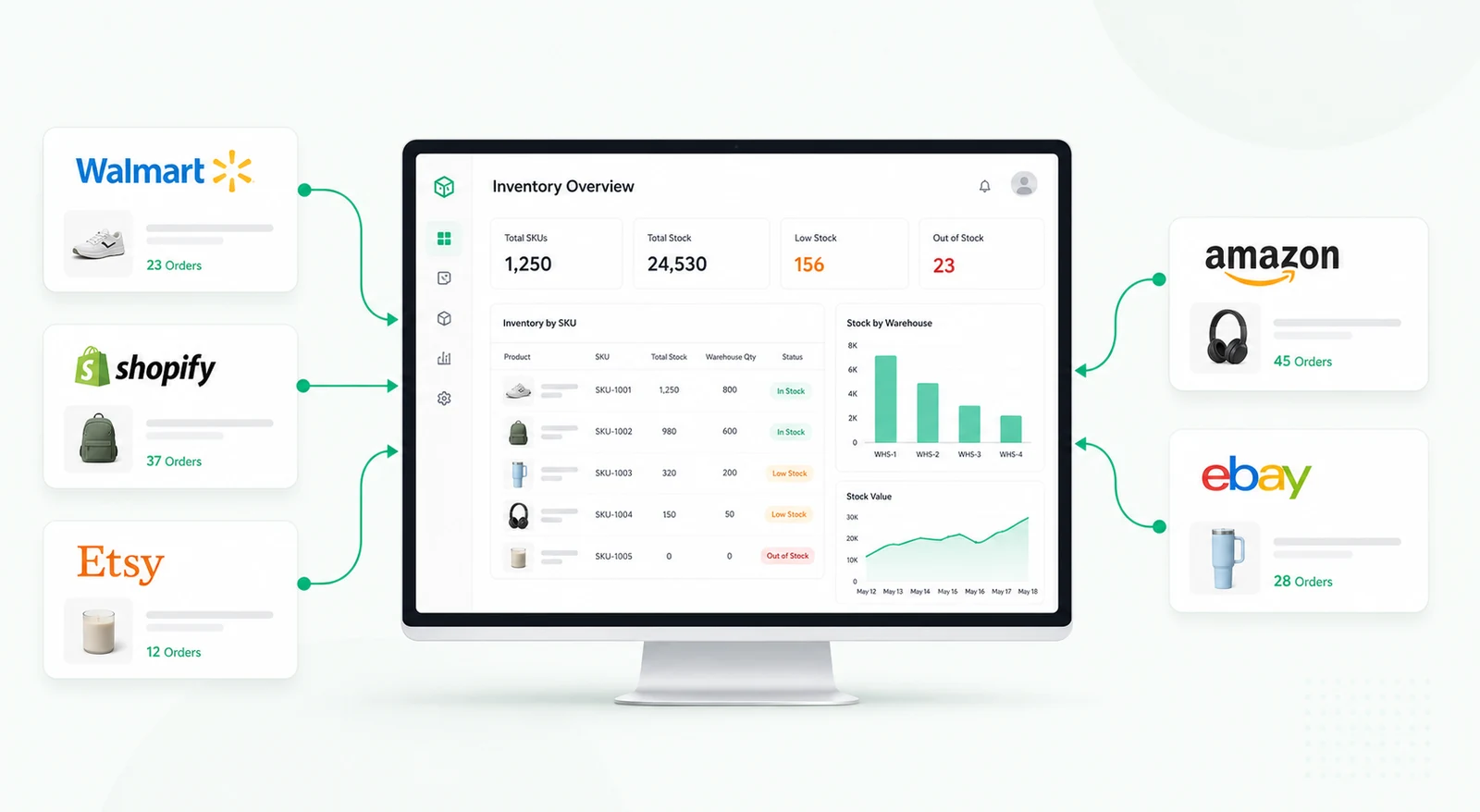
Walmart, Shopify, Etsy, Amazon, and eBay inventory flowing into one centralized dashboard

Multichannel Inventory Management: Systems, Workflows, and Best Practices

Learn how multichannel inventory systems manage stock, orders, warehouses, allocations, bundles, returns, reconciliation, and channel synchronization.
Read now
Read now

Top Retool Agencies in US 2026

Compare top Retool agencies in the USA, what each is best for, and when Retoolers is the right partner for internal tools and dashboards.
Read now
Read now

Ready to turn
Your operations into software?

Free workflow analysis, wireframes, and a clear Retool build plan before development starts.

Book a Strategy Call

Turn your operations into software.