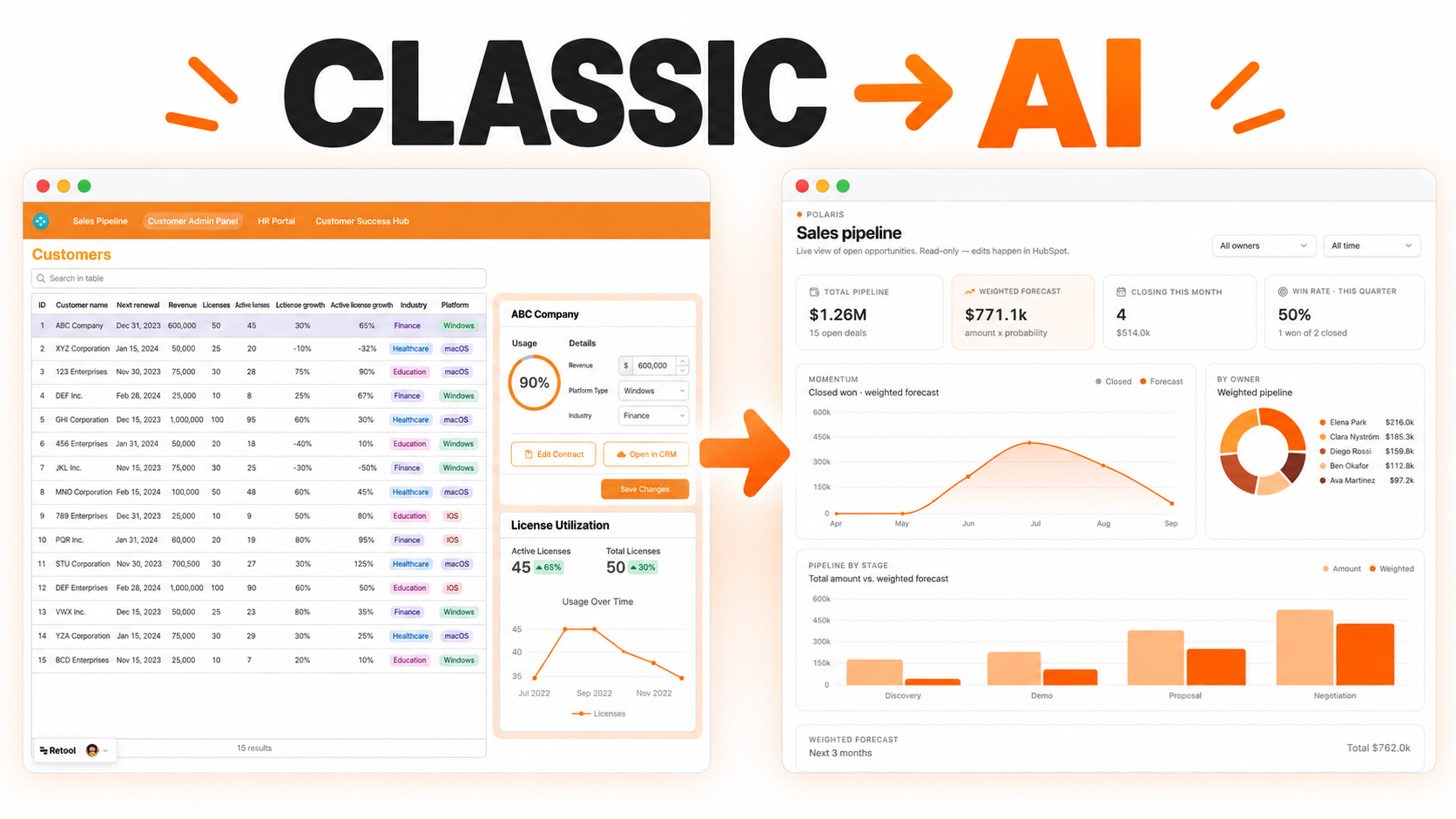
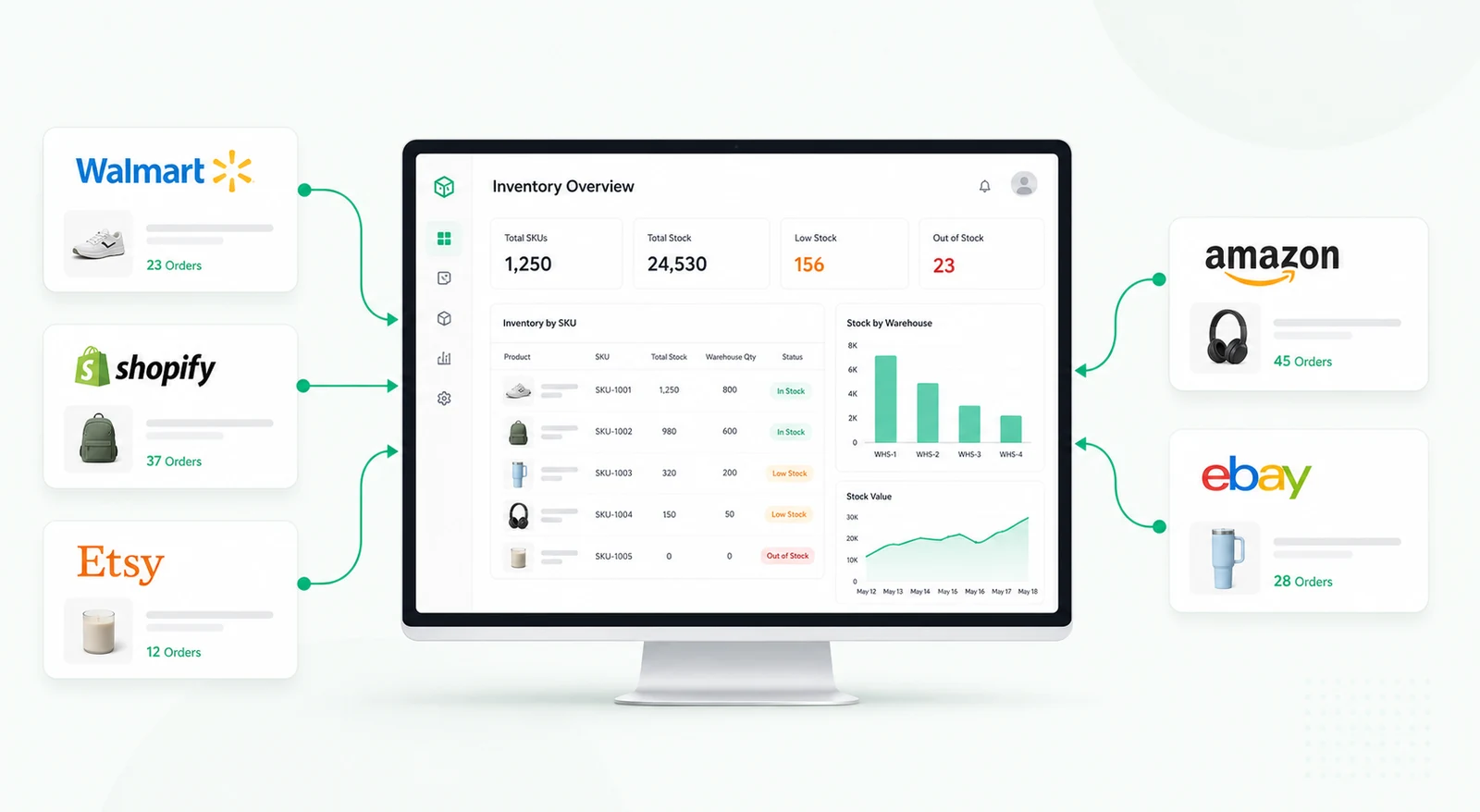
A Retool dashboard for real estate teams to track property deals, monitor offer pipelines, and manage closings — all in one visual dashboard built for faster, smarter decisions.


Real estate deal teams often manage opportunities across CRMs, spreadsheets, email threads, broker notes, shared drives, and financial models. A property may look promising, but the key information needed to act on it can be scattered across several people and systems. That slows down offer decisions, makes handoffs messy, and leaves managers without a clear view of which deals are moving, stalled, or at risk.
A deal pipeline dashboard gives acquisition, brokerage, asset management, and operations teams one operational layer for tracking every active opportunity. It does not replace the CRM, document system, or underwriting model. Instead, it brings the working data together so the team can review property details, ownership, next steps, documents, offers, and closing status from one place.
Each deal record can include the property name, location, asset type, asking price, offer value, expected close date, assigned agent or deal lead, current stage, priority, and last activity. Teams can organize records into stages such as sourced, initial review, underwriting, offer submitted, negotiation, due diligence, legal review, closing, won, lost, or parked.
The dashboard can support both a Kanban-style pipeline and a table view. The Kanban view helps teams see movement across stages, while the table view is better for filtering, sorting, and comparing many records at once. Managers can use both views to understand workload, cycle time, and deal value by owner or stage.
Deal reviewers need more than a stage label. A useful dashboard should make it easy to open a property detail view with the relevant notes, offer history, due diligence status, broker contact, documents, and next action. If financial assumptions are available through a database or spreadsheet, the dashboard can show expected yield, projected margin, target price, or risk flags without forcing users to open multiple files.
Teams can also track multiple offers against the same property, including offer amount, terms, contingency status, financing status, counterparty, and decision deadline. This helps leadership compare active opportunities and decide where to spend attention.
Real estate workflows are collaborative. One person may source a property, another may prepare underwriting, a manager may approve the offer, and legal or finance may handle closing requirements. A pipeline dashboard can assign owners, due dates, and next steps to each deal so responsibility is visible.
Task checklists can help teams track required documents, site visit notes, valuation reviews, financing inputs, legal checks, and internal approvals. When a deal changes stage, the dashboard can prompt the next owner to take action instead of relying on manual follow-up.
Automated alerts can notify the right person when a deal has not moved for a configured number of days, an offer deadline is approaching, a high-value deal enters negotiation, or a required document is missing. Managers can also monitor aging by stage to find bottlenecks in underwriting, approval, or closing.
Some automation should remain carefully controlled. For example, the dashboard can prepare notifications, update status fields, or create tasks, while final offer approvals and legal decisions stay with authorized users.
Retool can connect to CRMs, internal databases, spreadsheets, document storage, property APIs, and communication tools when those systems provide access. Queries can combine deal, contact, property, and task data into one interface without changing the system of record.
Tables, Kanban-style layouts, forms, modals, charts, and workflow automations can support daily deal management and leadership reporting. Role-based permissions can separate deal editors, reviewers, managers, and read-only stakeholders.
It is an internal tool that helps teams track property opportunities from sourcing through review, offer, negotiation, due diligence, and closing.
No. It usually works best as an operational layer connected to the CRM, spreadsheet, database, or document system already used by the business.
Yes. Fields, stages, filters, and approval logic can be adapted for residential, commercial, industrial, land, or mixed-use deals.
Yes. The dashboard can show checklists, document status, assigned owners, deadlines, and notes, subject to available storage integrations and permissions.
Yes. Retool workflows or connected notification tools can trigger alerts when a deal sits too long in a stage, misses a deadline, or needs escalation.
Yes. Deal stages, data fields, permissions, calculations, integrations, and review logic can be adapted to match the team's acquisition or brokerage process.
For a custom version of this workflow, request a custom Retool build.
We're officially approved by Retool and proud to be an agency partner!

Visit our blog to learn more about our innovative approaches to solving complex challenges.