A security company faces the challenge of efficiently managing numerous security alerts triggered by their guards at various high-profile locations. The company aims to improve response times, reduce false positives, and mitigate potential risks.


Medical distributors often coordinate inventory across warehouses, pharmacies, clinics, hospitals, and supplier networks. Stock information may live in ERP exports, spreadsheets, ordering tools, and warehouse systems. When those sources are not easy to compare, teams can miss shortages, over-order slow-moving products, or discover expiration problems too late.
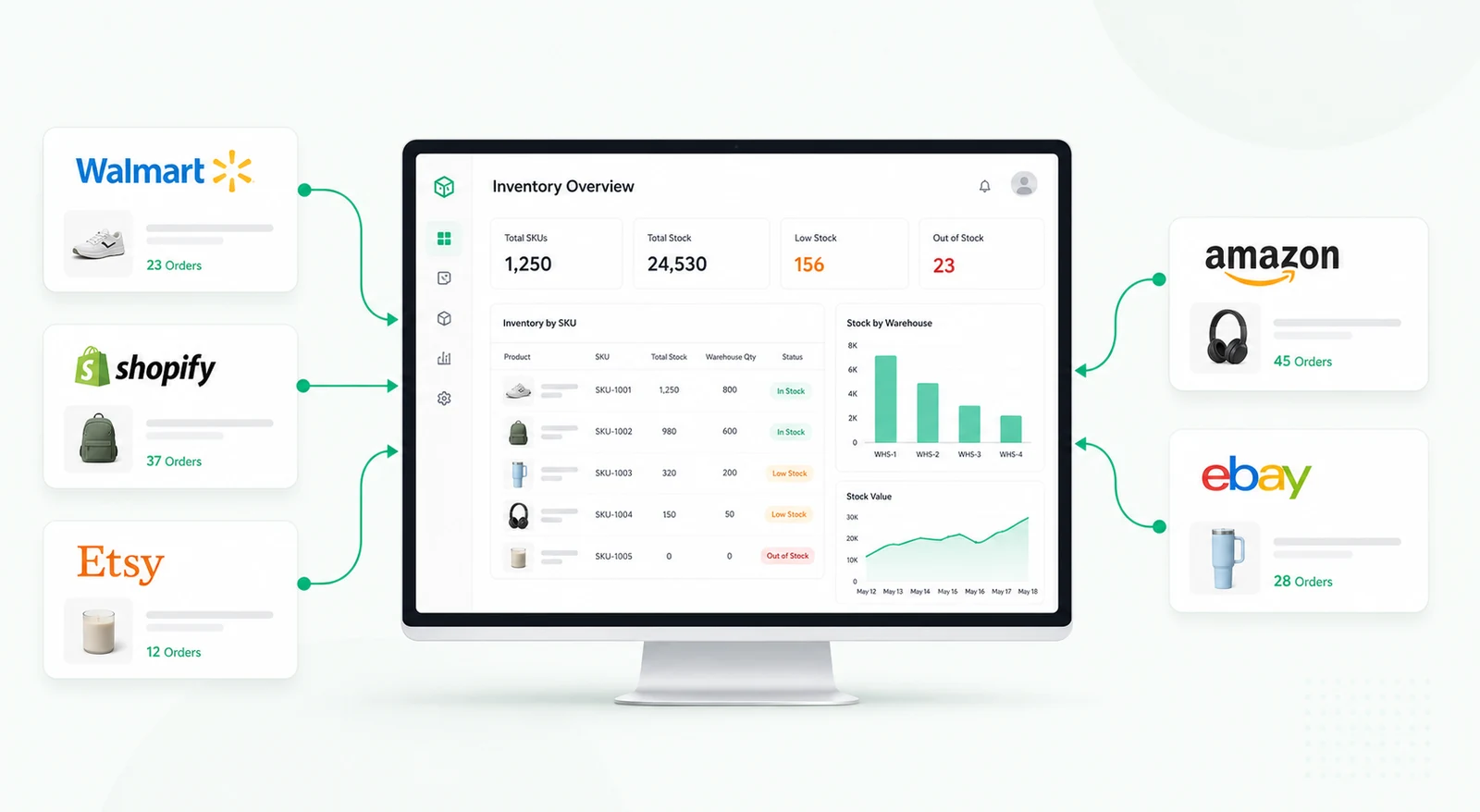
An inventory dashboard for medical distributors gives operations and supply teams one place to monitor stock levels, restock requests, order status, and expiration risk. It does not replace the ERP, warehouse system, or pharmacy system of record. Instead, it provides an operational layer that helps teams act on the data faster.
Each product record can include SKU, product name, category, lot number, expiration date, supplier, location, available quantity, reserved quantity, reorder threshold, and status. Users can filter by product type, branch, pharmacy, supplier, expiry window, or stock risk.
The workflow can show items that are out of stock, approaching reorder thresholds, expiring soon, awaiting approval, or delayed in transit. Teams can review restock requests and decide whether to approve, adjust, or reject them.
Clinics and pharmacies may submit restock requests based on local demand. The dashboard can centralize those requests with requested quantity, urgency, location, requester, reason, and supporting notes. Operations teams can then allocate stock based on inventory availability, priority, and delivery constraints.
When stock is limited, managers can compare requests and decide how to distribute inventory fairly. The system can flag when a requested item is unavailable and suggest substitutes only when approved product mapping exists.
Expiration management is especially important for medical inventory. The dashboard can highlight products approaching expiration, track lot numbers, and help teams prioritize movement or disposal review. It can also support FEFO-style workflows where the earliest-expiring stock is used first.
Any compliance-sensitive handling should remain tied to the official inventory and quality procedures. The dashboard can surface operational risks and tasks, but controlled processes should remain governed by the appropriate system and policy.
Automated alerts can notify teams about low stock, expiring products, delayed orders, or unresolved restock requests. Reports can show stock value, stockout risk, aging inventory, supplier delays, and request volume by location.
Automation should help teams prioritize action while leaving approval, substitution, disposal, and regulated decisions to authorized users.
Retool can connect to inventory databases, ERP exports, spreadsheets, order systems, supplier data, and notification tools when access is available. Tables, tabs, charts, forms, modals, and workflows can support daily inventory review and restock operations.
Role-based permissions can separate requesters, warehouse operators, managers, and finance or compliance viewers.
It is an internal tool for monitoring medical product inventory, restock requests, order status, and expiration risk across locations.
No. It usually works as an operational visibility layer connected to existing systems of record.
Yes. Expiration dates, lot numbers, and expiry windows can be shown when that data is available.
Yes. Request forms can capture product, quantity, location, urgency, and notes for approval.
Yes. Alerts can be configured for low stock, expiring products, delayed orders, and unresolved requests.
Yes. Product fields, thresholds, approval rules, integrations, and permissions can be adapted.
For a related healthcare operations workflow, explore the medical inventory check block, or request a custom Retool build.
We're officially approved by Retool and proud to be an agency partner!

Visit our blog to learn more about our innovative approaches to solving complex challenges.