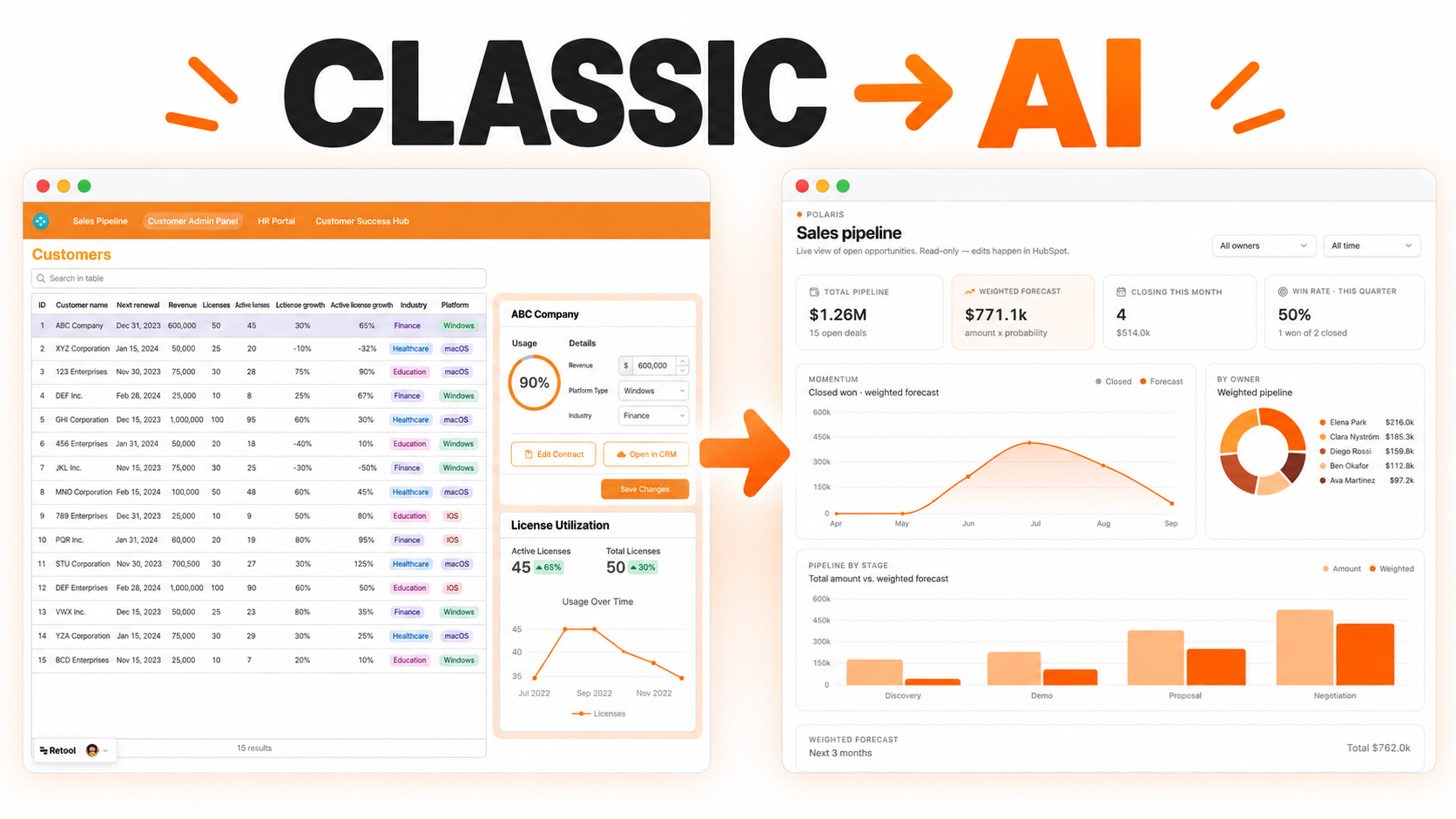
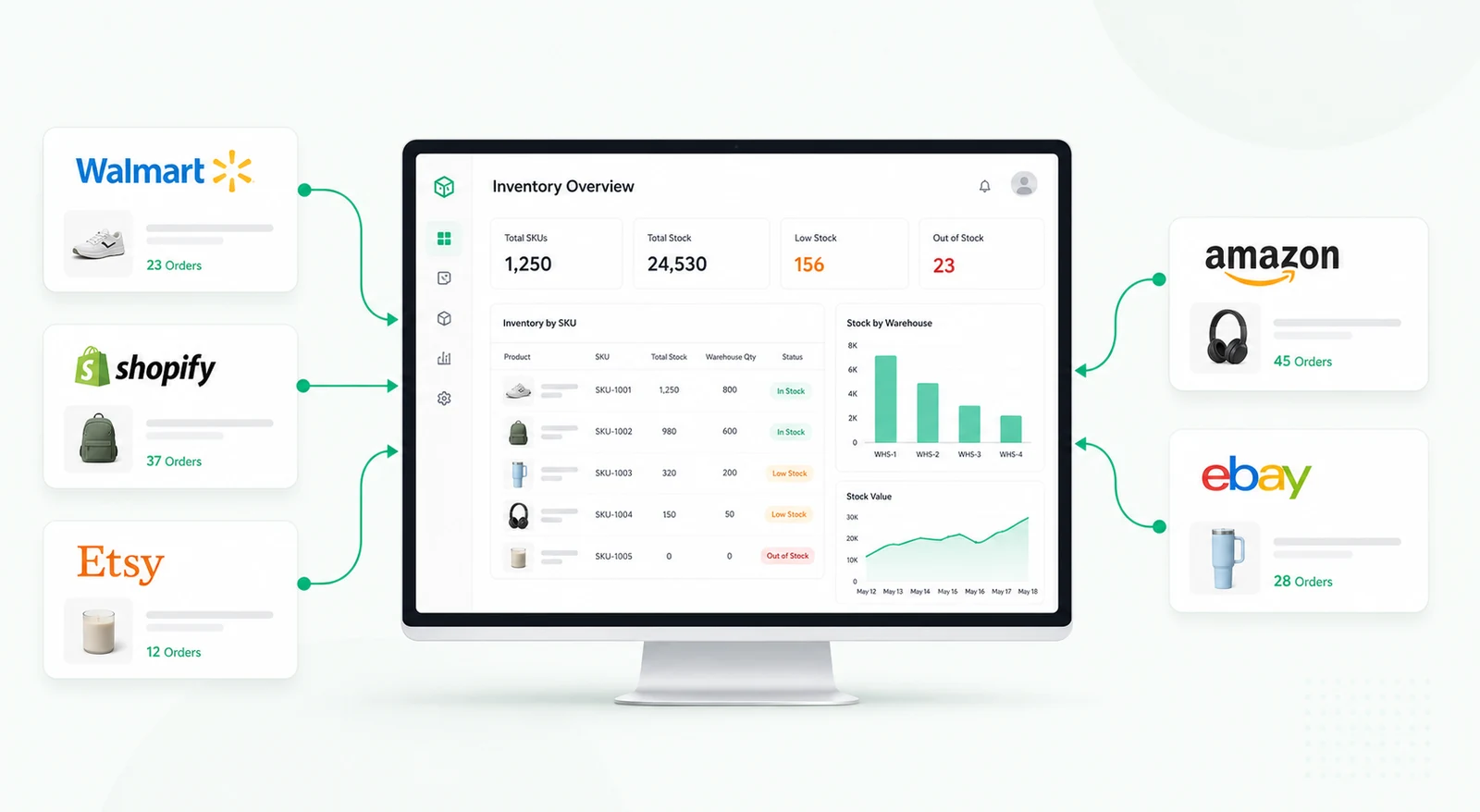
An interactive activity timeline built to help investment and ops teams track everything in one place — from manual checks to automated alerts and strategy updates. Think of it like a Slack + audit log mashup, made for internal use.


Investment teams generate a constant stream of updates across portfolio companies, potential investments, internal reviews, compliance checks, financial models, and follow-up tasks. These updates often end up scattered across Slack conversations, emails, spreadsheets, CRM notes, and individual task lists.
When information is fragmented, it becomes difficult to answer simple but important questions. Who last reviewed this company? What changed since the previous investment committee meeting? Was the portfolio company asked to provide additional documents? Which team member followed up with the founder? Has an important risk or deadline already been communicated?
This activity feed dashboard creates one chronological record of everything happening around an investment, portfolio company, deal, or internal workflow. Instead of searching through multiple tools, team members can review updates, comments, alerts, and decisions from one structured timeline.
Each activity is stored as a structured record containing the person responsible, activity type, timestamp, related company or investment, and supporting details. Activities can be entered manually by team members or generated automatically through connected systems.
An activity can be added when a portfolio company submits a financial report, an analyst changes the stage of a potential investment, a risk review is completed, a new document is uploaded, a valuation or operating metric changes, or a team member records a decision or follow-up.
The timeline groups updates by date and displays them in chronological order. Users can filter the feed by company, deal, activity type, team member, date range, or priority. This makes it easy to move between a high-level portfolio view and the complete history of a specific investment.
Not every activity requires the same level of visibility. Some updates should remain internal, while others may require immediate communication through Slack or email. The dashboard allows users to decide whether an update stays inside the activity feed, notifies selected teammates, posts to a Slack channel, triggers an email, or is marked as urgent.
Team members can add comments, reply to an existing activity, attach supporting context, or include a Loom link. This keeps discussion connected to the original event instead of creating another disconnected conversation elsewhere. Follow-ups can also be assigned directly from the timeline, creating a clear audit trail of what happened, who responded, and what remains unresolved.
Investment decisions rarely come from one document or one meeting. They develop through repeated discussions, reviews, updates, and changes over time. A centralized activity timeline gives the team a reliable history of that process.
It also helps new team members understand the history of a company without reading months of messages or asking colleagues to reconstruct previous decisions.
The activity feed can be built in Retool and connected to a structured PostgreSQL database. Each activity record can include the related company, activity category, creator, timestamp, description, priority, visibility, notification status, follow-up owner, deadline, and supporting links or attachments.
Retool can display these records using a scrollable timeline or list view. Filters dynamically update the feed, while modals or expandable panels show complete activity details. Queries and event handlers can create new records, post comments, update follow-up statuses, and trigger Slack or email notifications.
Role-based permissions can also restrict sensitive investment notes to selected users or teams. This creates one shared operating history without exposing confidential information more widely than necessary.
The result is a shared operational history that combines the speed of a communication feed with the structure and accountability of an audit log.
An investment activity feed is a chronological record of updates, decisions, comments, alerts, documents, and follow-ups connected to a company, deal, portfolio, or internal investment workflow.
Yes. Retool can connect to databases, CRMs, APIs, Slack, email services, document systems, and other operational tools. Updates can be entered manually or created automatically from connected events.
Yes. Role-based access and visibility rules can restrict confidential notes, approvals, or portfolio information to authorized users while keeping general activity visible to the wider team.
Yes. Important activities can trigger Slack messages, email notifications, or internal alerts based on activity type, priority, company, or follow-up status.
No. The same timeline pattern can support private equity, family offices, accelerators, fund operations, compliance teams, consulting firms, and any organization that needs a structured history of decisions and follow-ups.
Yes. The fields, filters, permissions, activity types, integrations, and notification rules can be adapted to the team's investment process and existing technology stack.
For a related workflow, explore the portfolio company management table, or request a custom Retool build.
We're officially approved by Retool and proud to be an agency partner!

Visit our blog to learn more about our innovative approaches to solving complex challenges.