Maya Tran
April 26, 2026
•
6 min
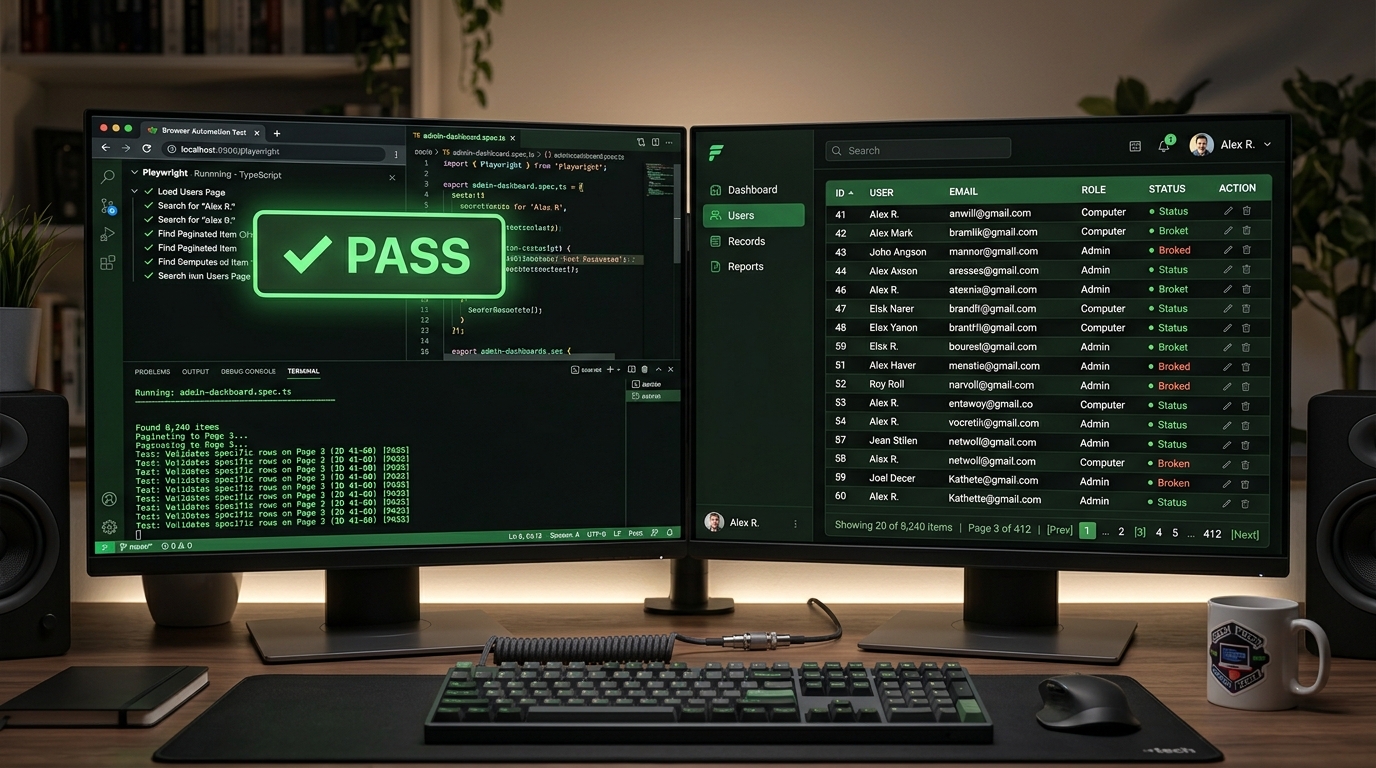
If your internal tool breaks in production and nobody catches it for three days, that's not a testing problem — that's a trust problem. Ops teams stop relying on the dashboard. Engineers get pulled into firefighting. The whole point of building the tool collapses. Automated UI testing is the unsexy fix that prevents exactly this.
This post covers the tools worth your time in 2026, how to evaluate them for internal tooling stacks like Retool and custom Supabase-backed apps, and the practices that actually work in lean engineering teams — not the ones that look good in conference slides.
Internal tools don't have the same failure modes as customer-facing apps. You're not worried about SEO, conversion funnels, or a bad tweet going viral. You're worried about an ops manager running a bulk update that silently writes bad data, or a Retool query firing against the wrong environment after a config change.
The user base is small but the blast radius per user is huge. One broken admin panel can halt fulfillment, corrupt records, or lock out your support team mid-shift. And because internal users are often technically sophisticated, they'll work around broken UI in ways that make bugs harder to trace later.
This changes what you test and how you prioritize it. You care about workflow integrity over visual polish. A pixel-off button matters far less than a form that submits incomplete data. Your test suite should reflect that — covering critical data paths, permission logic, and integrations with your backend (Supabase, Postgres, REST APIs) rather than exhaustive cross-browser aesthetics.
Internal tools also change faster than public apps. No product manager gatekeeping releases. Engineers ship directly. That velocity is an asset until it isn't — which is exactly why lightweight, maintainable automated tests pay off faster here than in almost any other context.
Playwright is the current best-in-class for most internal tooling contexts. It's built by Microsoft, handles multiple browsers natively, and its async-first architecture means it's well-suited to modern JS-heavy apps — including Retool embeds and custom React dashboards. The API is clean, the docs are good, and it has first-class support for things like network interception and storage state, which matter when you're testing authenticated internal apps.
Cypress is still worth knowing. Its developer experience is excellent — the interactive test runner is genuinely useful for debugging — and it has a large community. The tradeoff is that it runs only in Chromium by default, and its architecture can get awkward when your app makes heavy use of iframes or cross-origin requests. Retool apps can hit both of these. If your team is Cypress-native and your tooling is straightforward, don't switch. If you're starting fresh, Playwright has the edge.
Selenium is the legacy option. It works, it's everywhere, and if you're maintaining an existing suite, there's no reason to nuke it. But for greenfield work in 2026, the setup overhead and flakiness profile don't justify the familiarity. Playwright solves most of the problems Selenium was built around, with better tooling and less ceremony.
A few others worth knowing: Puppeteer is good for targeted Chrome-only automation and scraping tasks, but it's not a full testing framework. TestCafe has its advocates, particularly for teams that want to avoid npm dependency sprawl. Webdriver.io wraps Selenium and WebdriverBidi with a more modern API — useful if you need Selenium compatibility but want a nicer developer experience.
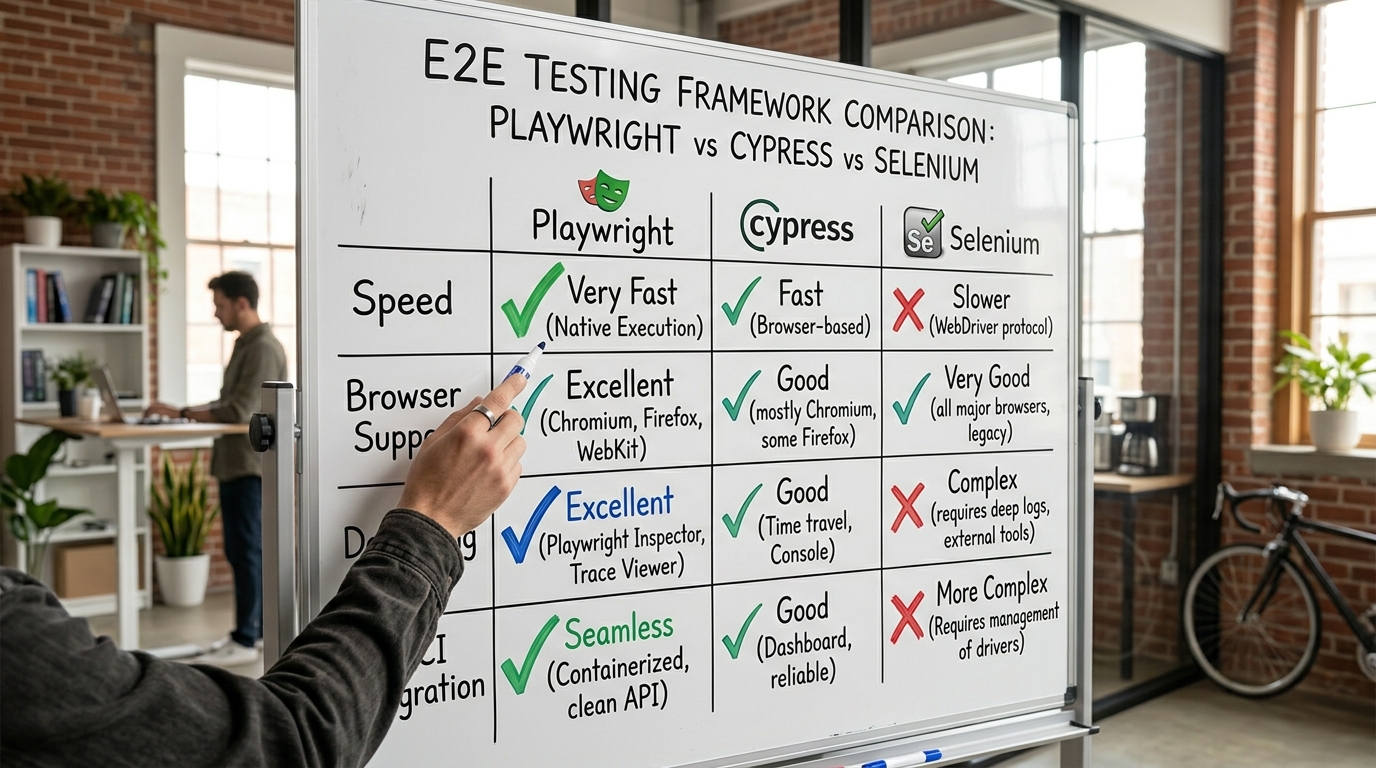
Start with your existing stack and the people who'll maintain the tests. A test suite nobody maintains is worse than no test suite — it creates false confidence.
If you're running Retool, know that Retool's iframe-heavy architecture can trip up Cypress. Playwright handles this better out of the box. Focus your Playwright tests on the workflows that touch real data — form submissions, query triggers, bulk actions — not on validating Retool's own UI components, which Retool should be handling.
If you're on a Supabase-backed custom app, Playwright pairs well with Supabase's test environment support. You can seed a test database, run your UI flows against it, and tear it down. Use Supabase's row-level security in test mode to validate that your permission logic actually holds — don't just test the happy path as a superuser.
For teams with fewer than five engineers, avoid frameworks that require dedicated QA infrastructure to operate. Playwright's CLI and GitHub Actions integration are enough to get 80% of the value with minimal ops overhead. Skip the enterprise-grade orchestration platforms until you've outgrown the simple setup.
Cross-browser coverage matters less for internal tools than most guides will tell you. Pick the browser your team actually uses (usually Chrome), test in that, and only expand if you have a concrete reason — like a specific ops team running Firefox-only.
Test workflows, not components. The most valuable tests simulate what a real user does end-to-end: log in, navigate to the fulfillment queue, filter by status, bulk-update records, confirm the write. Not "does the button render." Component-level visual tests are low signal for internal tools.
Isolate your test data. Tests that share state with production are landmines. Use a dedicated test schema or database, seed it before each run, and clean up after. Supabase makes this manageable with branching and migrations. Don't skip this because it's annoying to set up.
Control flakiness aggressively. Flaky tests destroy trust faster than no tests. If a test fails intermittently, treat it as a priority bug. Use Playwright's built-in retry logic, but don't use retries to paper over race conditions — fix the underlying timing issue. Explicit waits over arbitrary sleeps, always.
Run tests in CI on every merge to main. Not just on release branches. Not manually. Every merge. If a test run takes more than ten minutes, that's a signal your suite needs pruning or parallelization — not that you should run it less often.
Keep tests close to the code they cover. Colocate test files with the features they test. This makes it obvious when a feature change should trigger a test update, and it reduces the "orphaned test suite" problem where nobody knows what tests cover what anymore.
Alert on failure with context. A CI notification that says "tests failed" is nearly useless. Attach screenshots, traces, and the failing test name. Playwright's trace viewer is excellent for this — a failed run produces a trace you can replay step-by-step. Wire this into Slack or whatever your team actually monitors.
The goal isn't 100% coverage. The goal is confidence that your critical workflows work before they hit production. For most internal tooling teams, that means a focused suite of twenty to forty end-to-end tests covering the highest-stakes paths, running automatically on every merge, with failures that are loud and informative.
Start with Playwright if you're greenfield. Layer tests onto your Supabase-backed data flows and your Retool workflows first. Get the CI integration running before you worry about expanding coverage. The discipline of maintaining a small, reliable test suite compounds — it makes every subsequent feature safer to ship and easier to hand off.
If you're building internal tools on Retool or Supabase and want to talk architecture, testing strategy, or getting your stack to a point where you can move fast without breaking things, Retoolers.io is where that conversation happens.
Looking to supercharge your operations? We’re masters in Retool and experts at building internal tools, dashboards, admin panels, and portals that scale with your business. Let’s turn your ideas into powerful tools that drive real impact.
Curious how we’ve done it for others? Explore our Use Cases to see real-world examples, or check out Our Work to discover how we’ve helped teams like yours streamline operations and unlock growth.
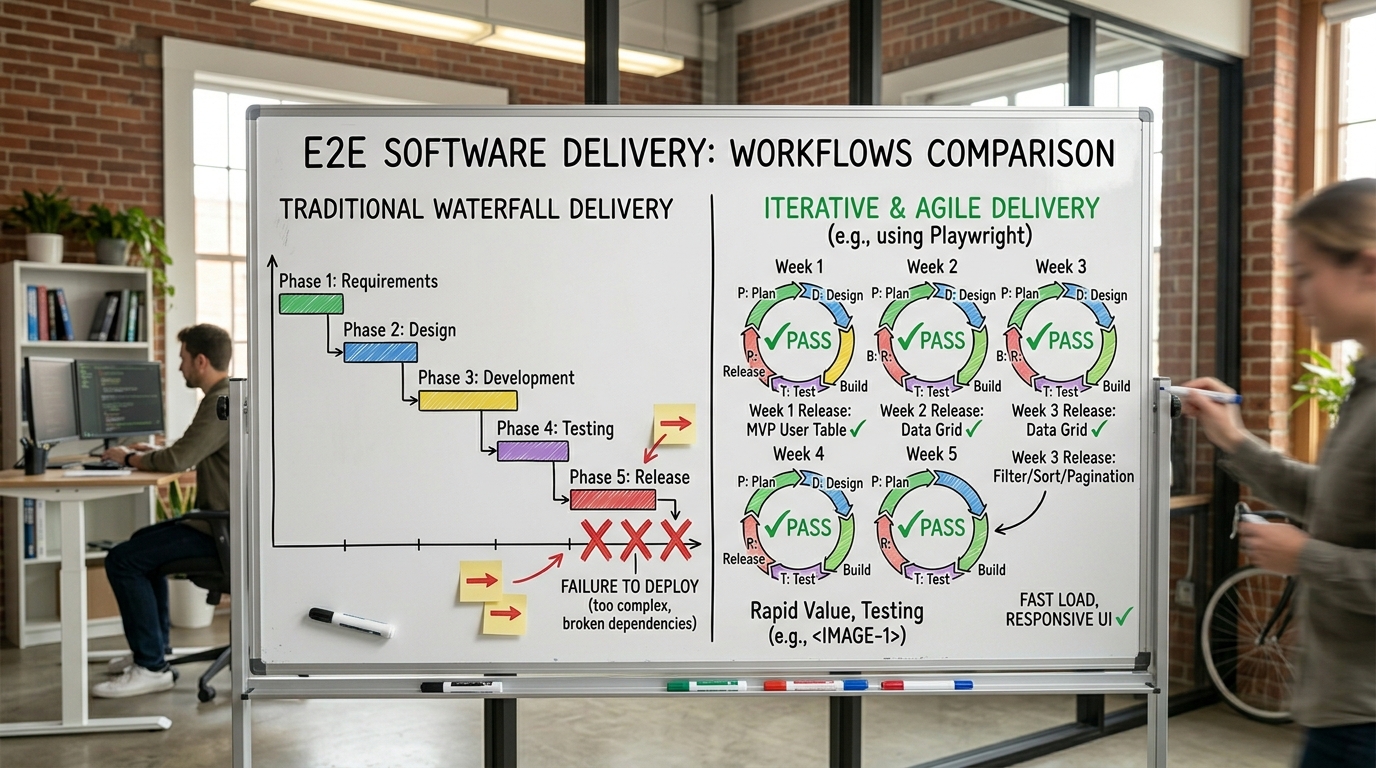
Before we quote, we help you clarify the workflow. Share your idea, process, or existing tools, and we’ll map the key requirements, suggest the right system, and create a free wireframe so you can see the solution before development starts.