Duy Vu
February 9, 2026
•
10 mins read
As more teams start using Retool for internal tools, access control quickly becomes one of the most important topics. A single Retool workspace often ends up serving operations, support, finance, and leadership at the same time. Without a clear permission model, it becomes very easy to give the wrong person access to sensitive data or editing capabilities they should not have.
Retool solves this problem by keeping permissions simple and structured. Instead of managing access at the individual user level, Retool encourages teams to think in terms of roles and groups.
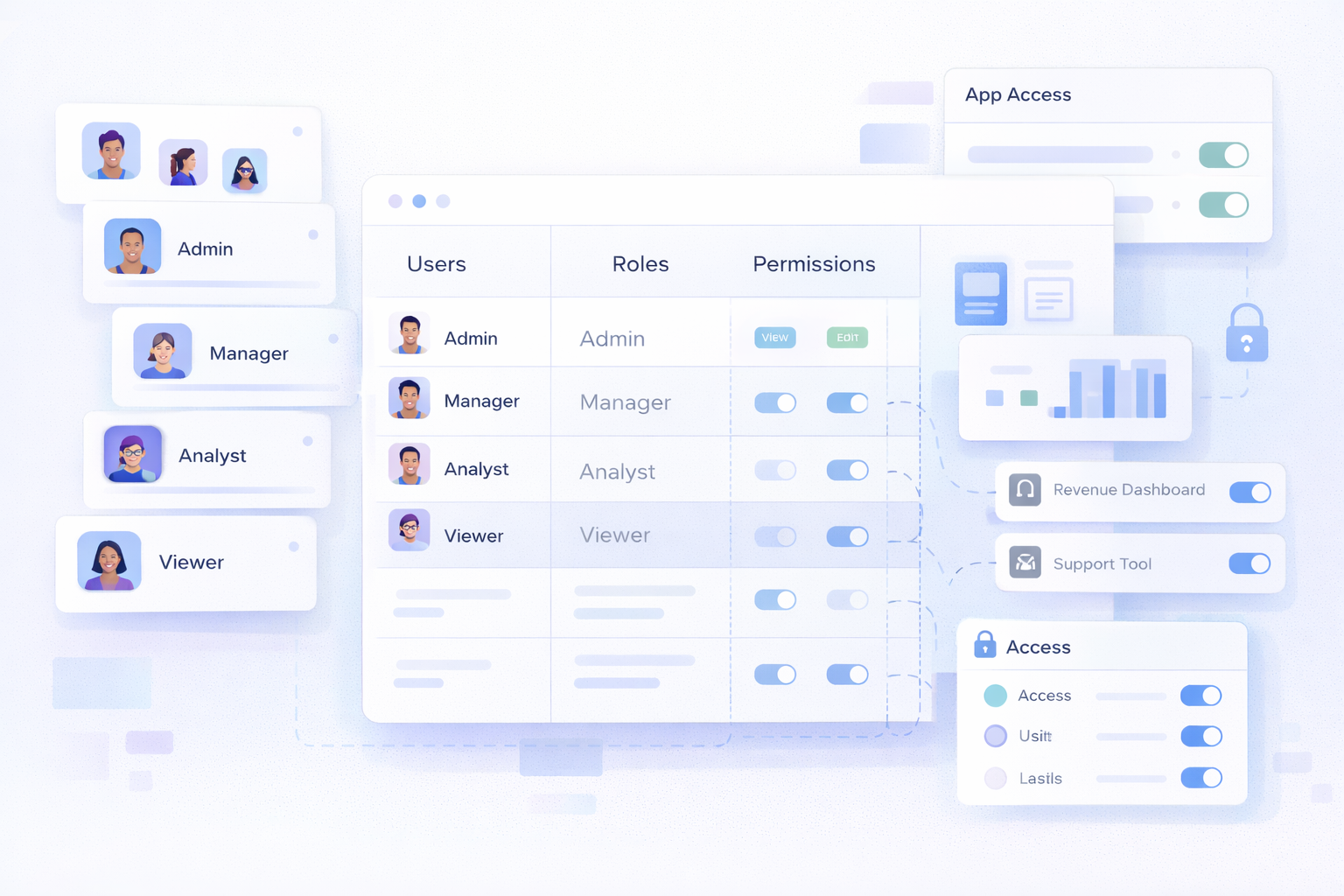
Every person who logs into Retool is a user, but users by themselves do not define access. The real control layer in Retool is groups. Users are assigned to one or more groups based on their role in the organization, and apps are shared with those groups instead of individual people.
This approach means that permissions are defined once and reused everywhere. When someone joins or leaves the company, you only update their group membership and all app access updates automatically. This dramatically reduces manual work and prevents mistakes.
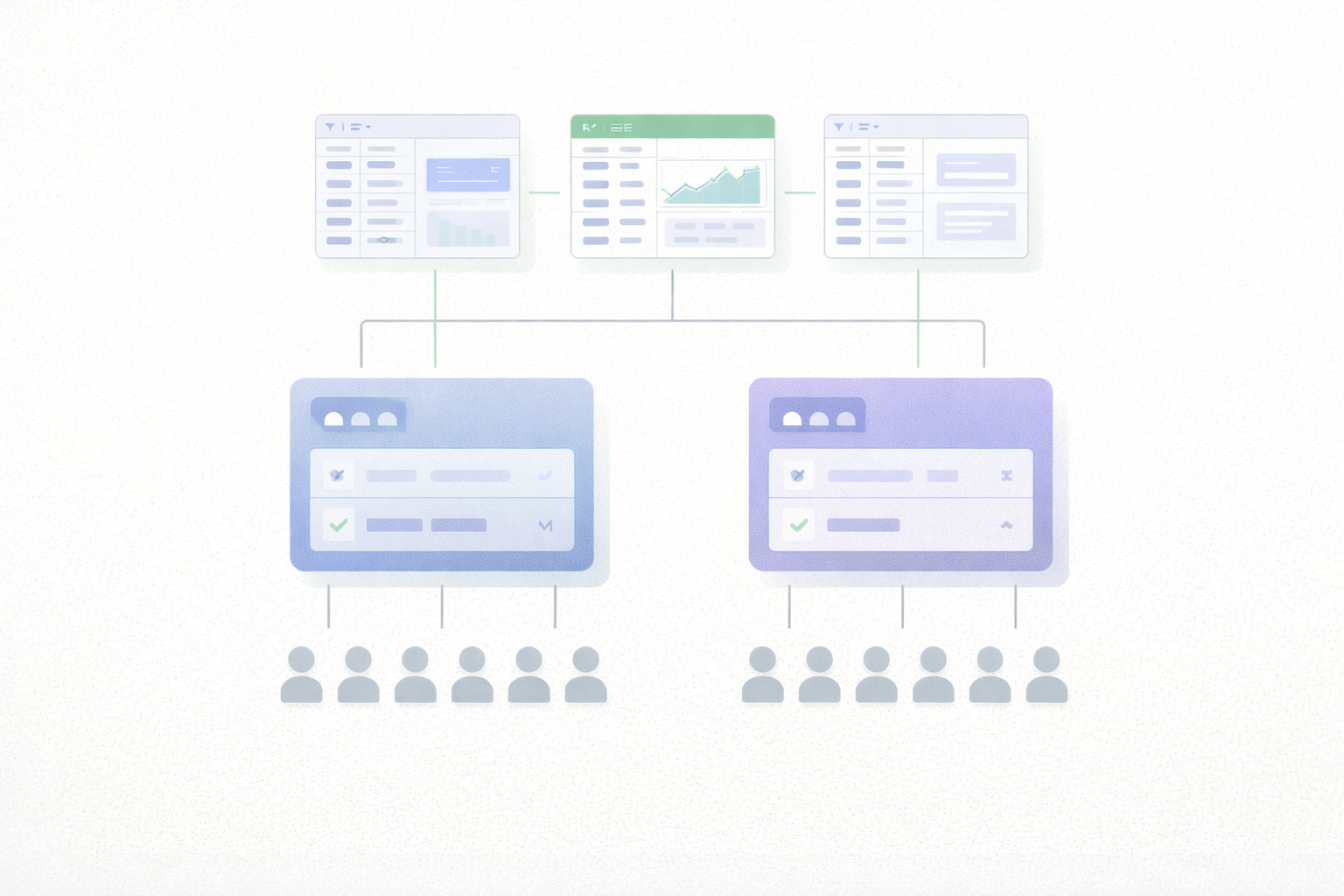
Managing permissions per user might feel easy at the beginning, but it breaks down quickly as the number of apps and users increases. Group based access scales because it aligns with how companies are structured. People change roles, teams grow, and responsibilities shift, but roles remain relatively stable.
By assigning permissions to groups, Retool makes access control predictable. You always know which role can see or edit which app, and you avoid one off permission exceptions that create long term security risks.
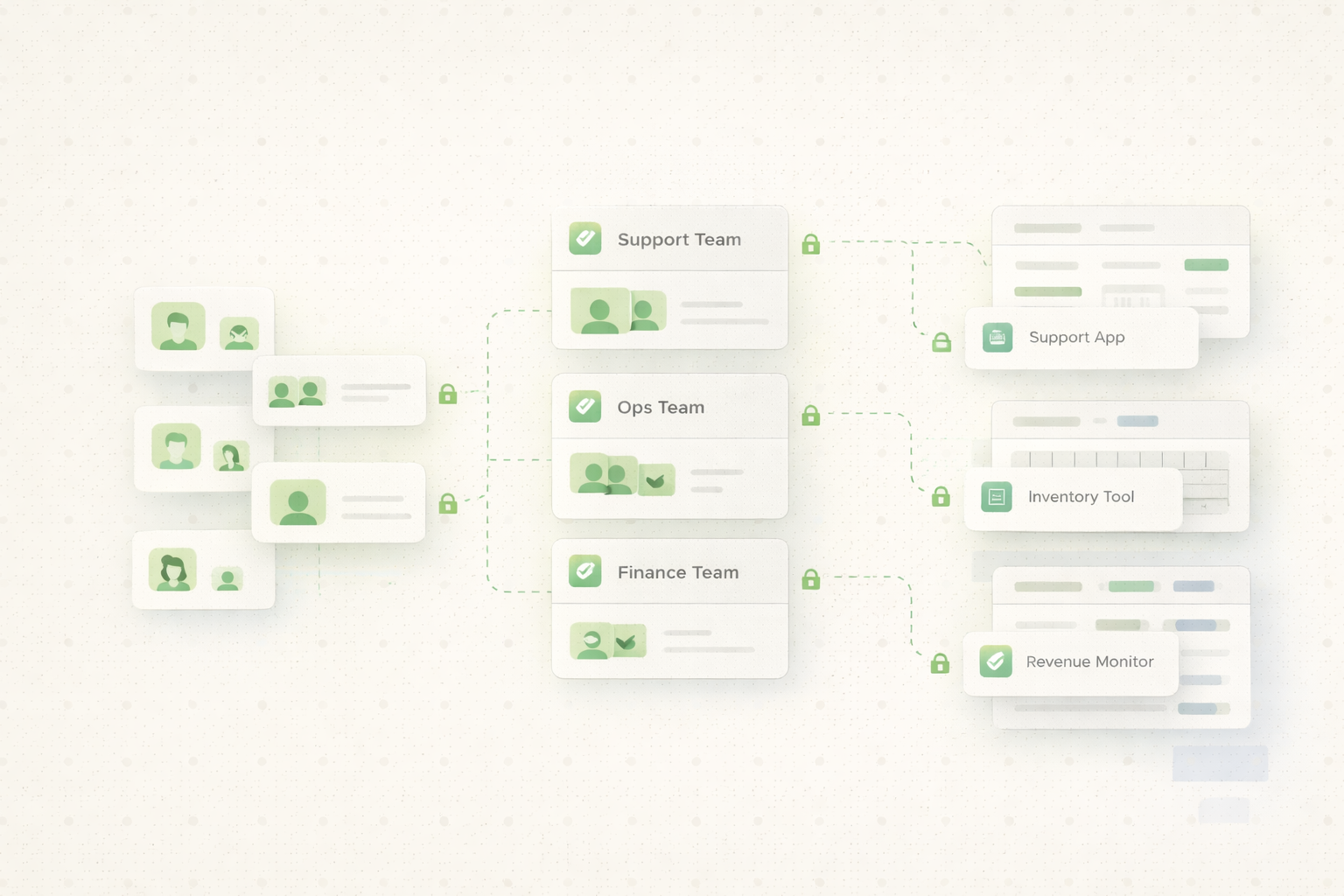
In an ecommerce company, Retool apps are often used by customer support, operations, and finance at the same time. Customer support needs access to order lookup and customer information, but should not be able to edit financial data. Operations teams need access to inventory and fulfillment tools, while finance teams focus on revenue, refunds, and payouts.

In this setup, each team is represented by a group in Retool. Apps are shared with the appropriate group based on what that team needs to do. Customer support apps are not visible to finance users, and finance dashboards are not visible to support agents. This keeps each team focused and reduces the risk of accidental data exposure.
Finance teams usually require even tighter access control. Some users only need to view reports, while others need to edit forecasts or approve transactions. In Retool, this is handled by creating separate finance groups for read only access and editing access.
Sensitive finance apps are only shared with these finance groups, and no other teams can even see them. This clear separation helps meet internal security requirements and makes audits easier because access rules are explicit and easy to review.
Retool’s permission system works best when it is designed intentionally from the start. Groups are the core building block, and apps should always be shared with roles, not individuals. When this structure is set up correctly, teams can scale their internal tools with confidence, onboard new users faster, and avoid permission related mistakes.
If you want help designing a clean and scalable access control structure for your Retool apps, Retoolers can help you set it up the right way from day one.
If your team is struggling to manage complex data sources or needs a professional release pipeline for your Retool apps, that’s exactly where we come in. At Retoolers, we don't just build apps; we build the infrastructure that keeps your business running. Get a Quote
Looking to supercharge your operations? We’re masters in Retool and experts at building internal tools, dashboards, admin panels, and portals that scale with your business. Let’s turn your ideas into powerful tools that drive real impact.
Curious how we’ve done it for others? Explore our Use Cases to see real-world examples, or check out Our Work to discover how we’ve helped teams like yours streamline operations and unlock growth.
Before we quote, we help you clarify the workflow. Share your idea, process, or existing tools, and we’ll map the key requirements, suggest the right system, and create a free wireframe so you can see the solution before development starts.