Duy Vu
February 9, 2026
•
10 mins read
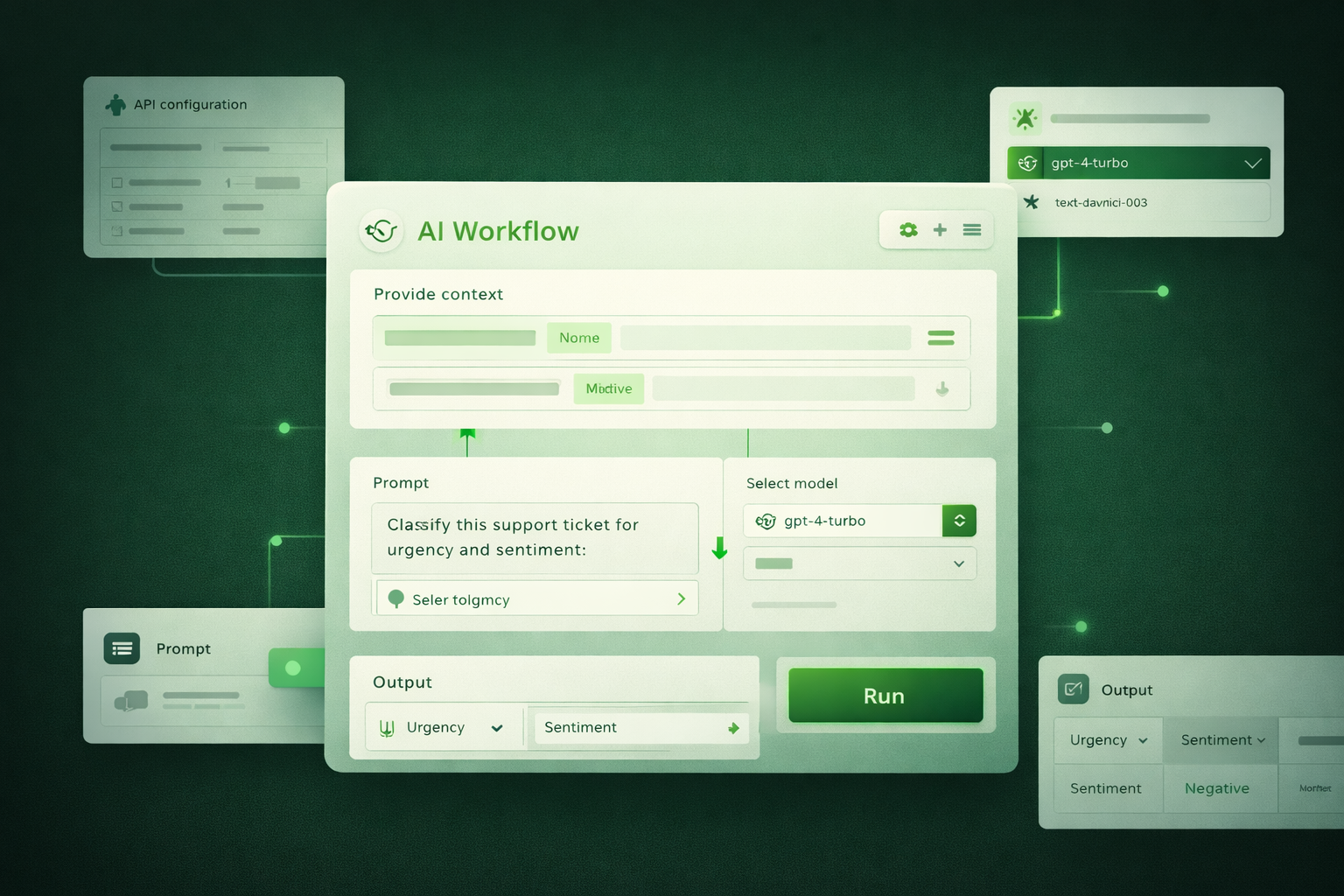
Yes. Retool allows you to embed AI and GPT workflows directly inside your internal tools. AI does not live outside the app or in a separate system. It becomes part of the workflow your team already uses, whether that is an ops dashboard, support tool, finance panel, or admin app.
AI actions in Retool can be triggered by buttons, form submissions, scheduled jobs, or chained logic. This makes AI feel practical instead of experimental.
Retool comes with built in AI resources that let teams start experimenting with AI without heavy setup. You can connect to popular AI models quickly, send prompts, and get responses directly inside your apps. This is ideal for teams that want to move fast, prototype ideas, and validate AI driven workflows without involving platform or infra teams on day one.
At the same time, Retool does not lock you into a single provider or model. You can create custom AI resources using standard APIs. This means you can connect to hosted models, self hosted models, open source models, or internal AI services that already exist in your company.
This flexibility matters in real companies. Some teams care about cost control. Others care about data privacy, compliance, or owning their model stack. Retool supports both extremes: fast experimentation and long term control.
Retool works naturally with REST APIs and GraphQL, which makes connecting to GPT style models straightforward. You configure an API endpoint once, define headers and authentication, and then reuse that connection across your entire app.
From there, you can send:
Responses can be plain text, structured JSON, or mixed content depending on how you design the query.
Retool also supports pagination, looping, and conditional logic. This means AI calls do not have to be one off. You can:
AI becomes part of your data pipeline, not a standalone feature. You can read data, transform it with AI, and write the results back into your systems.
In content image prompt
Clean product style illustration showing a Retool query panel sending data to an AI model block and receiving structured results. Arrows flow from the query to the AI model and back into a table and form. White background, minimal UI tiles, subtle green highlights on active data flow.
The real power of AI in Retool comes from combining it with Retool’s logic layer. AI responses are not isolated. They can trigger follow up queries, approvals, validations, or automations.
You can chain multiple AI calls together, apply business rules, and store results for later use. Everything happens inside the same app where your team already works.
Common real world examples include:
Instead of switching between tools, your team gets AI assistance directly in context. This reduces friction and increases adoption because the workflow stays familiar.
For more advanced teams, Retool can connect to MCP servers or internal AI gateways. This setup is common when AI access is centralized and controlled by platform or security teams.
In this model:
Retool acts as the interface layer. Business users interact with AI through Retool apps, while security, compliance, and observability remain intact.
This pattern is especially common in finance, healthcare, and large enterprises where data control is non negotiable.
Retool does not treat AI as read only. AI outputs can be written back to databases, CRMs, ticketing systems, or spreadsheets.
This is a critical difference. It allows AI to actively participate in workflows rather than just offering suggestions.
With write back logic, you can:
This is what turns AI from a demo feature into a real operational tool.
AI inside Retool works best when it supports internal teams instead of replacing them. The strongest use cases are internal tools where context, control, and workflow integration matter more than flashy chat interfaces.
If your team already uses Retool for operations, adding AI feels natural. You are extending an existing system, not introducing a new product that needs training, maintenance, and buy in.
AI becomes part of how work gets done, not a separate experiment sitting on the side.
If your team is struggling to manage complex data sources or needs a professional release pipeline for your Retool apps, that’s exactly where we come in. At Retoolers, we don't just build apps; we build the infrastructure that keeps your business running. Get a Quote
Looking to supercharge your operations? We’re masters in Retool and experts at building internal tools, dashboards, admin panels, and portals that scale with your business. Let’s turn your ideas into powerful tools that drive real impact.
Curious how we’ve done it for others? Explore our Use Cases to see real-world examples, or check out Our Work to discover how we’ve helped teams like yours streamline operations and unlock growth.
Before we quote, we help you clarify the workflow. Share your idea, process, or existing tools, and we’ll map the key requirements, suggest the right system, and create a free wireframe so you can see the solution before development starts.